EasyManua.ls Logo

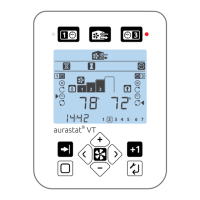
Titon TP534 - Display Icons; Menu System

Titon TP534
44 pages
Print Icon
To Next Page IconTo Next Page
To Previous Page IconTo Previous Page
Loading...
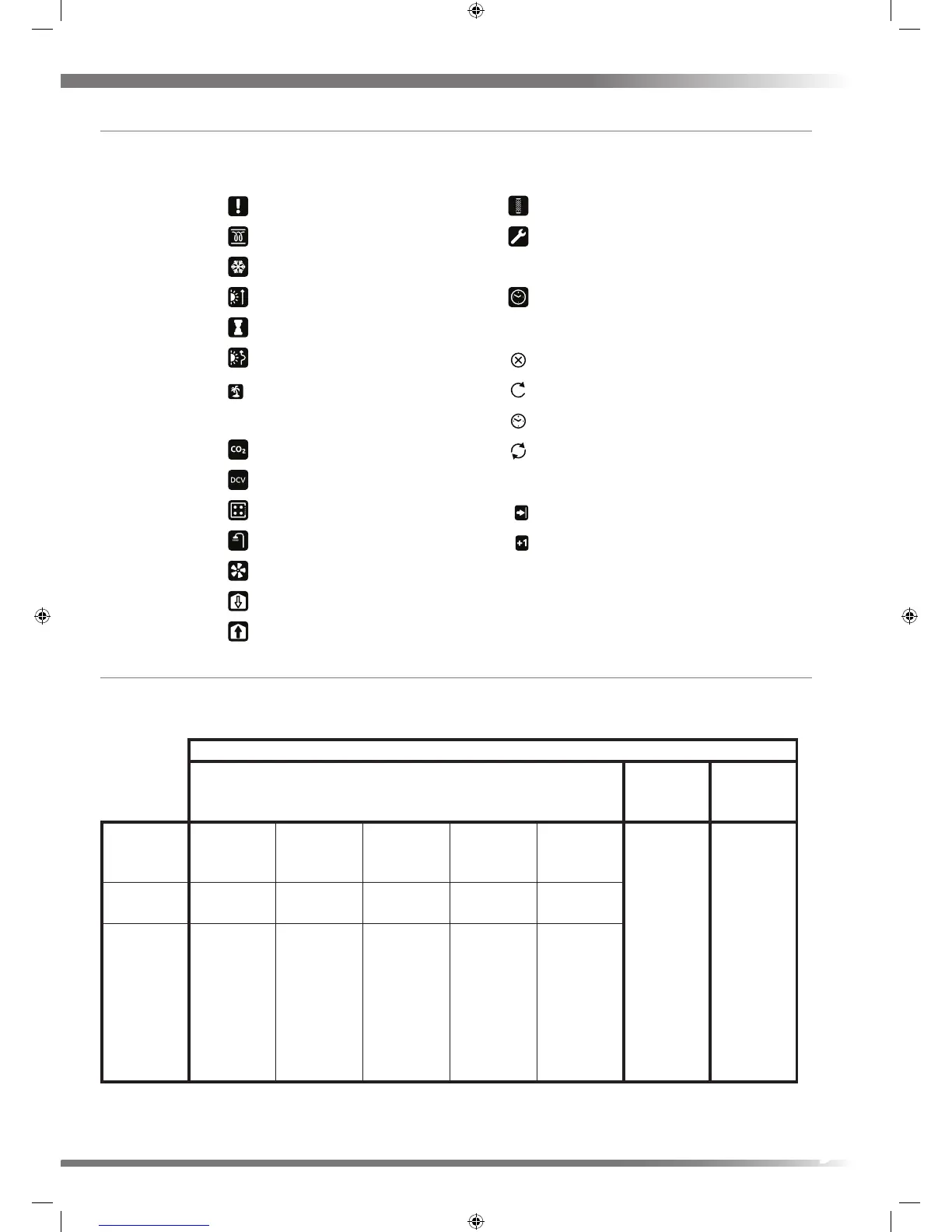
Display Icons
Icon denitions
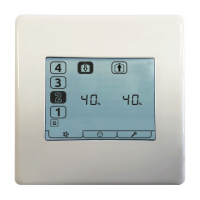
Menu System
The aurastat® VT menu system is divided into three modes, one ventilation mode which has ve sections and two timer
modes. This is to make the display user friendly for both the end user (householder) and the service / installation engineer.
MODES
Ventilation Mode
Setback
SPEED1
Timer
Boost
SPEED3
Timer
Menu Monitor & Control
RUN Menu
User setup Service & Setup Commissioning &
Installation
Reset Gives access
to the settings
to control the
timings of
Setback SPEED1
Gives access
to the settings
to control the
timings of Boost
SPEED3
Name
displayed
SETUP 1 SETUP 2 SETUP 3 RESET 4
Description Gives access
to the control
and monitoring
functions.
Gives access to
settings likely
to be routinely
used by the
householder.
Gives access to
settings likely
to be used by
Maintenance
or Service
Engineers.
Gives access
to advanced
settings
required during
installation and
commissioning.
Pass code
protected.
Gives access
to the reset
function.
Pass code
protected.
Status
Alert
Duct Heater
Frost Program active
Summer Mode active
Boost Timer
Fan
Supply
Extract
Summer By Pass active
Filter Alert
Set Up
Holiday Mode active
CO2 Sensor
Demand Control Ventilation
Kitchen
Wet Room
Timer active
Timer OFF
Timer ONCE
Timer AUTO
Timer CONTINUOUS
Advance active
Plus one hour active
9