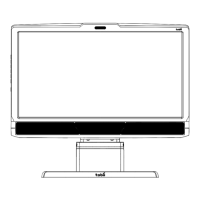
Tobii T60 and T120 Eye Tracker
13
Setup examples
Live Viewer setup
This setup requires Tobii Studio Professional or Enterprise version. When using a Tobii T Series Eye
Tracker configure Windows to use the eye tracker’s screen as the primary screen. An additional optional
secondary monitor can be used for monitoring the eye movements during the recording by using the
Live Viewer function in Tobii Studio. For this option the graphics card in the computer must support
dual output.
General setup guidelines
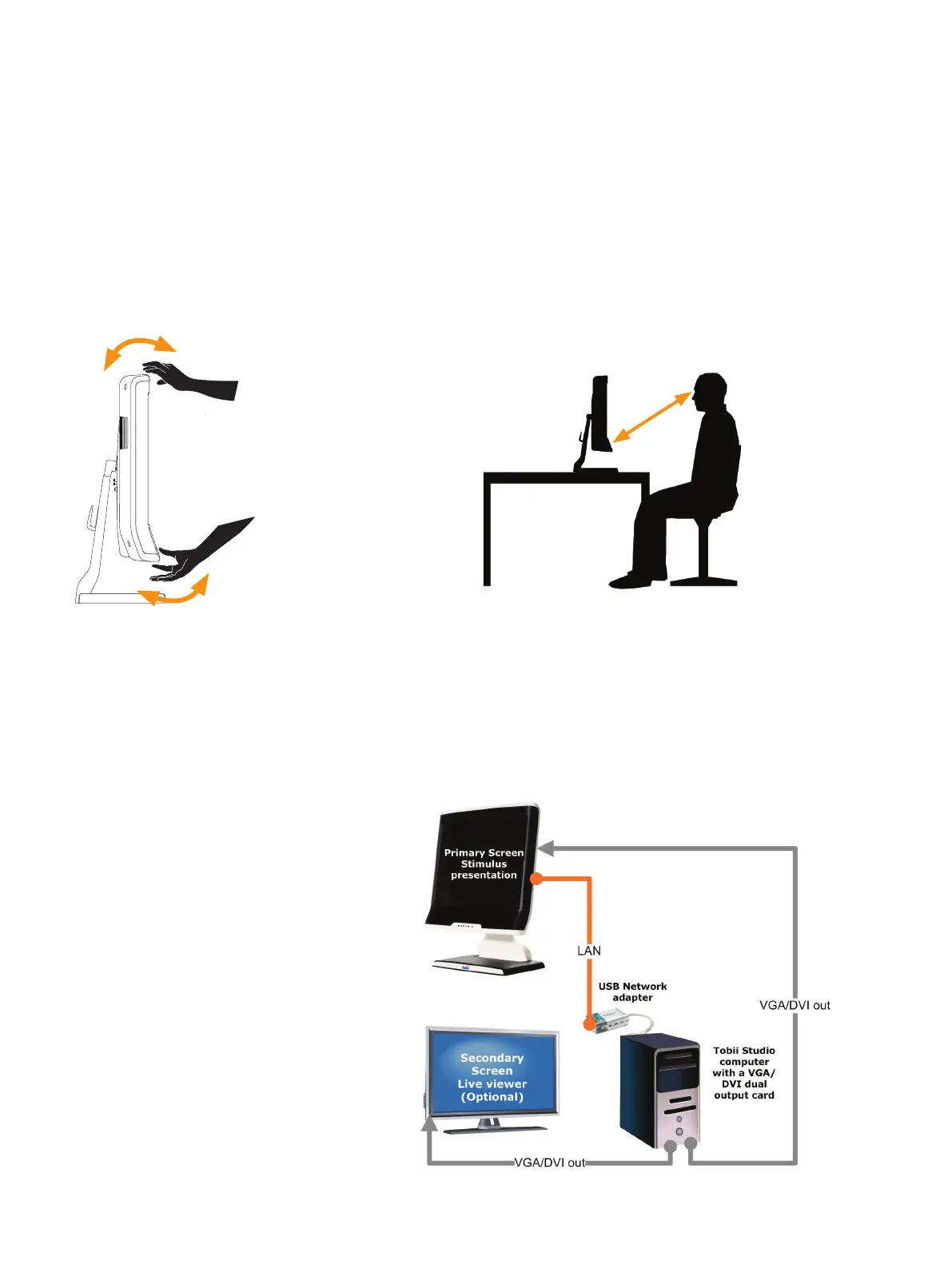
The distance from the person’s eyes to the eye tracker should be approximate ~65 cm (25.6 inches).
It is very important to have the correct distance to the screen otherwise the eye tracker cannot track
the entire area. If the eye tracker is too close to the test subject there is a risk of losing some of the
gaze data.
The eye tracker should be placed so that the gaze angle will not exceed ~42º to any point on the
screen.
Configuration and Settings
65 cm
Adjust tilt



 To Next Page