24 Tone Commander 8810 User Guide
Handset Retainer Clip
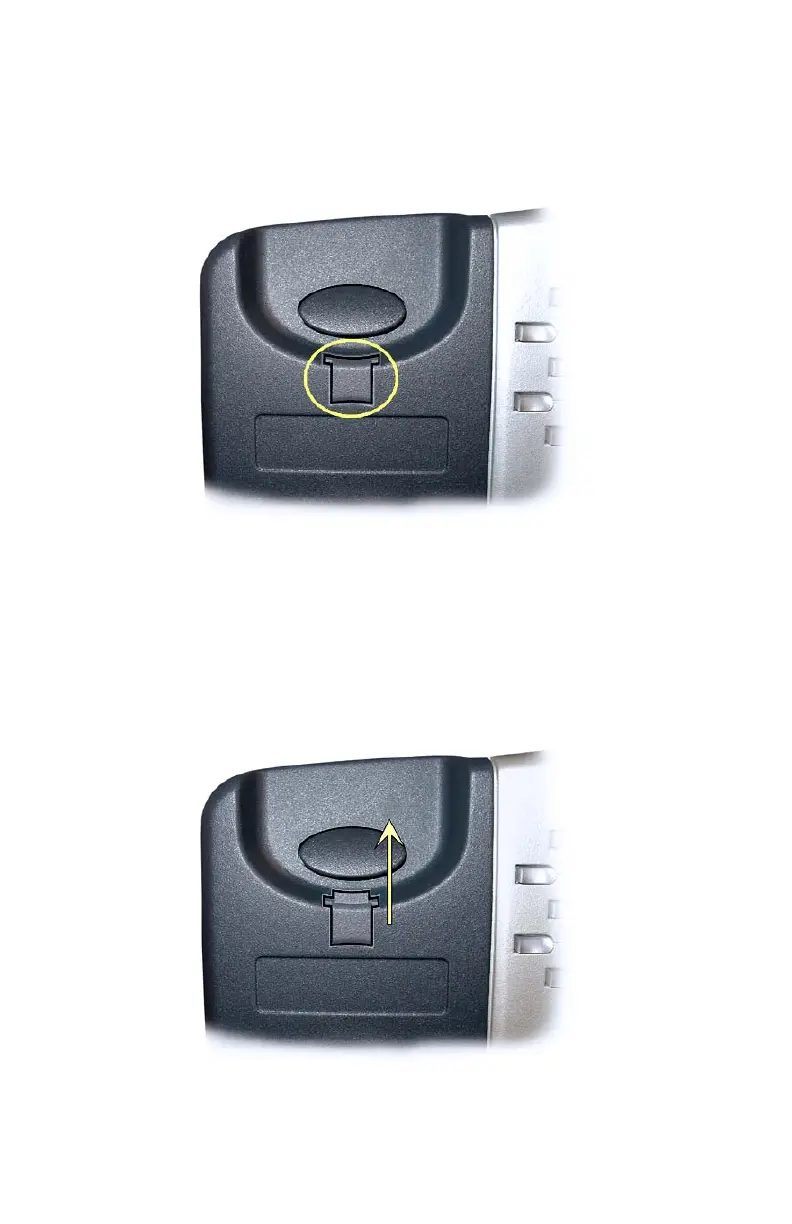
For low desktop position use, the handset retainer clip should be
installed in the default position, without the tab protruding into the
hookswitch area.
Install the handset retainer clip as shown below for wall mount use or
high desktop positions, where the handset may be inadvertently
bumped from the cradle. Pull out the clip as shown, rotate the clip 180°,
and then re-insert the clip. The tab should protrude into the hookswitch
area.



 To Next Page