50 Tone Commander 8810 User Guide
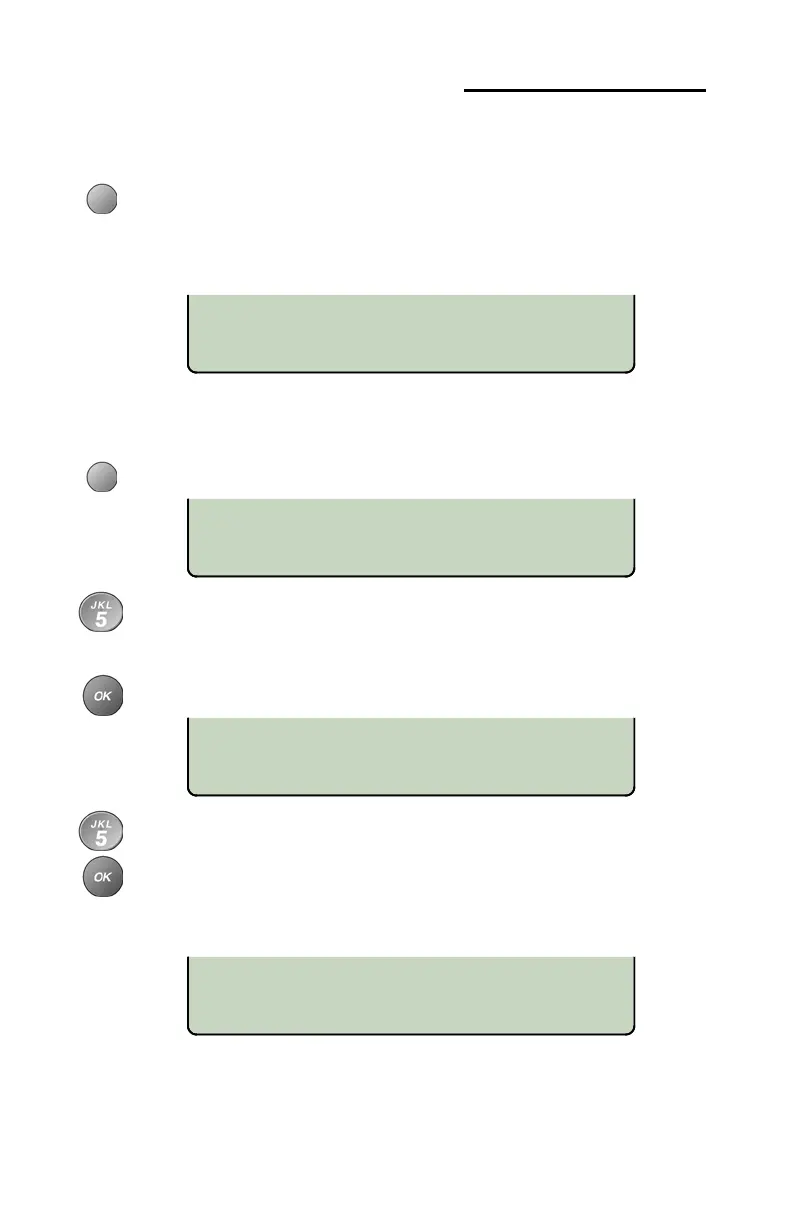
CALL LOG PASSWORD
NEW PASSWORD:
ENTER AGAIN:
<BKSP
PASSWORD SET
Setting a Call Log Password
You can set a password to prohibit unauthorized entry into your Call
Log.
From the User Options menu, select PASSWD.
(
SETUP → USER
→ ►→ PASSWD)
If a password is currently set, the display will prompt you to
enter your password prior to making changes.
Creating/Changing Your Password
Select SET.
Enter a new 4 to 11 digit password with the dial pad.
If you need to make corrections, select
BKSP (backspace)
to delete the previous digit.
Press the
OK key.
Repeat the password when prompted to verify the new entry.
Press the
OK key.
“PASSWORD SET” will be displayed to confirm the new
password.
Record your password for future reference.



 To Next Page