@ToolkiRC 2021
===================================
Tips:
1. If the connected battery is
over-discharged or over-charged, this may cause
an incorrect cell-count, in which case the cell
number needs to be adjusted normally.
2. If the cell count is set incorrectly, it may lead to
overcharging, which can present itself as a fire risk.
3. The cell count can be more accurately
determined if the balance port is connected.
=================================
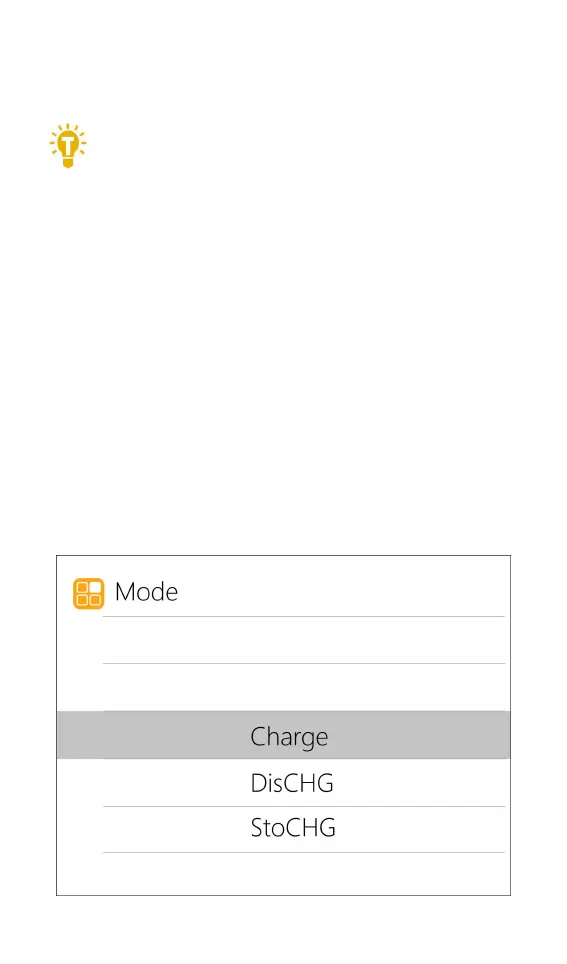
3. Work Mode
Move the cursor to [Mode] and press [OK] to
modify the work mode, as shown in the figure below:



 To Next Page