12
Operation procedures
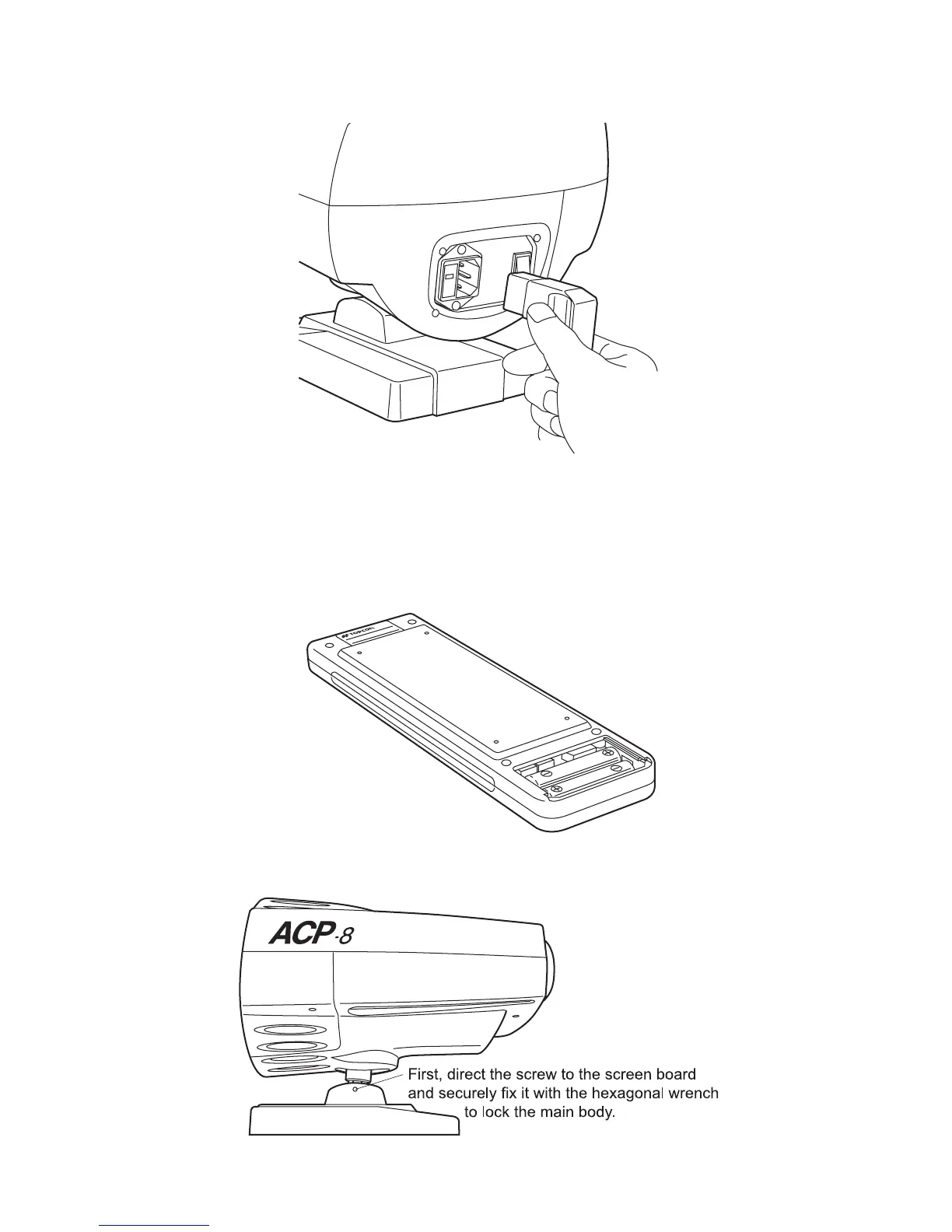
4 Insert the connector of the power cord into the power socket on the body and insert
the power supply plug into the outlet.
5 Turn the power switch 'on'.
6 Remove the battery cover from the back of the remote controller.
7 Insert the dry batteries into the remote controller as illustrated and replace the bat-
tery cover.
8 Adjust the position of the body so that the projected light is centered on the screen.
(How to insert batteries)


 To Next Page