4. PRODUCT OUTLINE
12
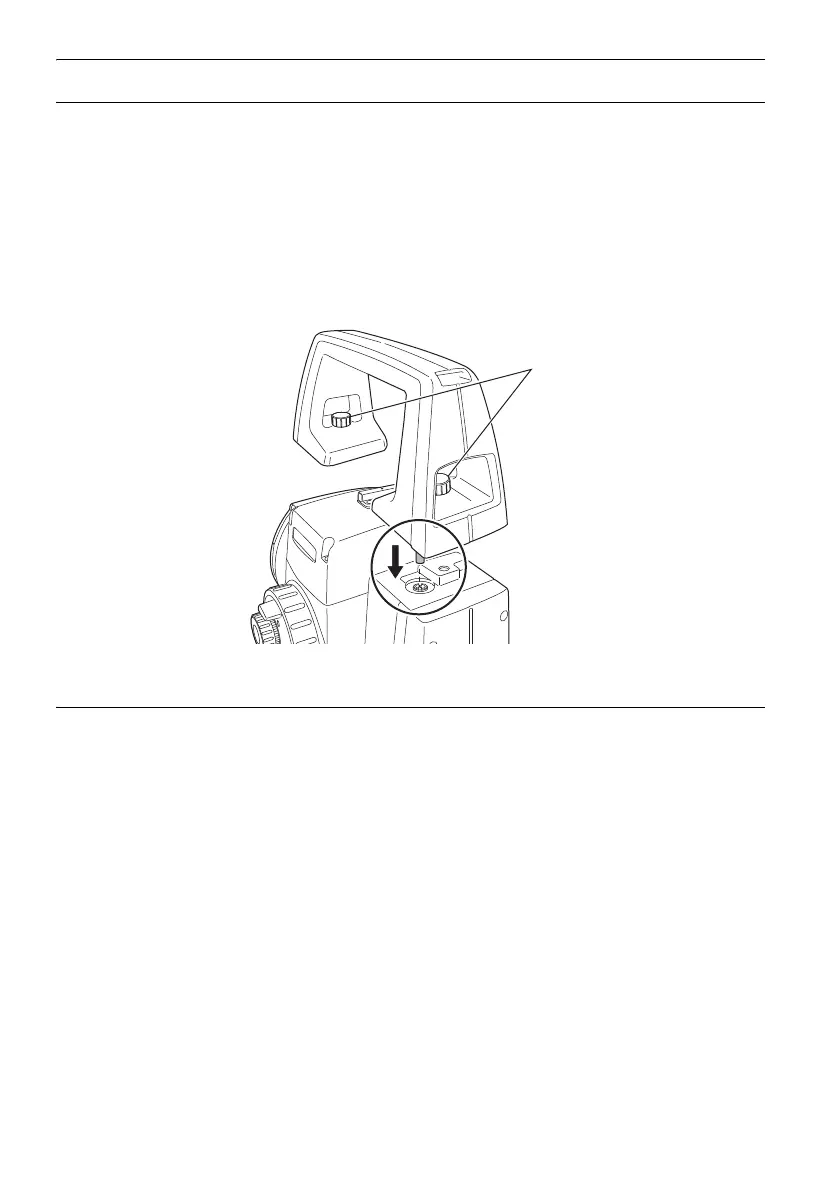
Detaching/attaching the Handle
The carrying handle can be removed from the instrument. To remove it, loosen the handle rocking
screws.
G
• To remove the handle, hold both sides of the handle and lift it straight above. If you hold the handle
by one hand or incline it, the terminal attached on the handle may be damaged.
• Detach the handle if the prism is located at the zenith.
To attache the handle, position the handl as shown, tighthen the 2 handle rocking screws.
Detaching the instrument from the levelling base
1. Loosen the levelling base locking screw by
turning 2 or 3 rotations in the counterclockwise
direction.
2. Turn the tribrach clamp counterclockwise to
loosen.
3. Lift the instrument to detach.



 To Next Page