87
15. SETTING-OUT MEASUREMENT
PROCEDURE
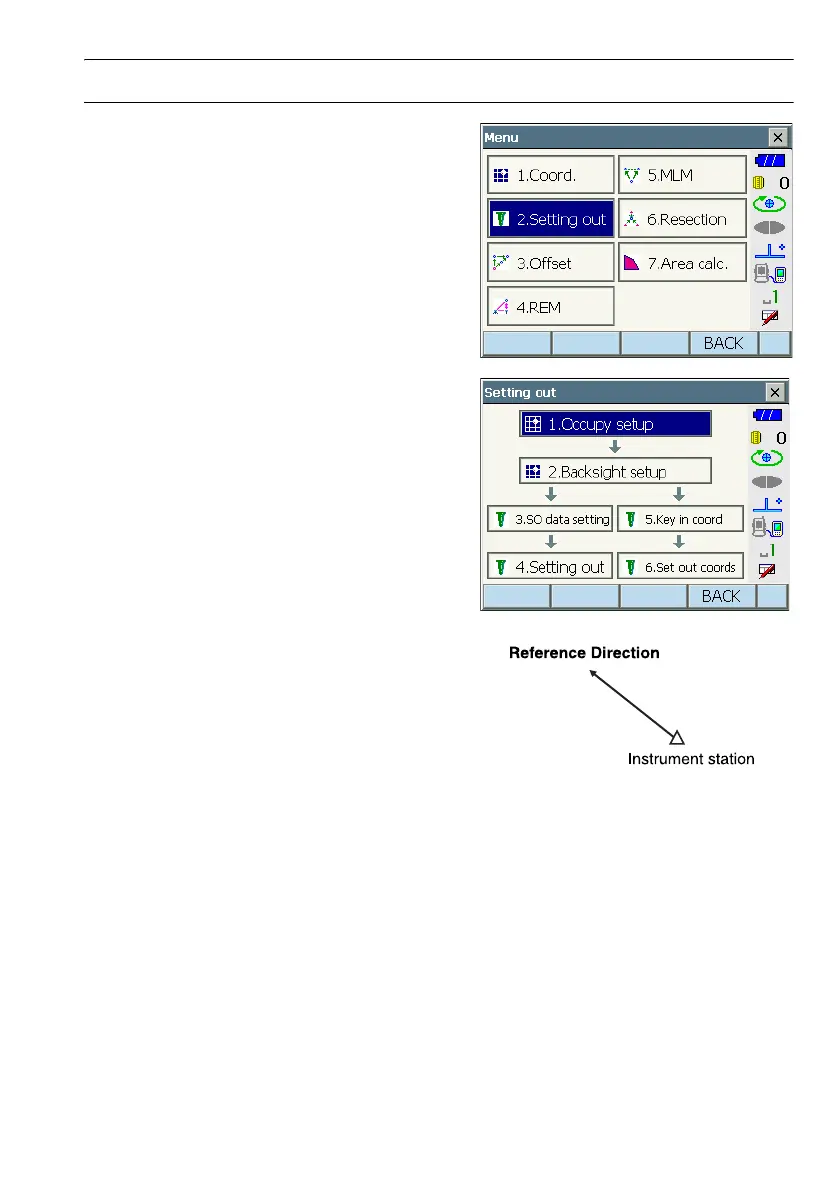
1. Select "Setting out" in <Menu> to display <Setting
out>.
2. Select "Occupy setup" to display <Occupy
setup>. Enter data for the instrument station and
press [OK] to move to Backsight setup.
C"13.1 Entering Instrument Station Data"
3. Set the azimuth angle for the backsight station.
Press [OK] to return to <Setting out>.
C "13.2 Azimuth Angle Setting"



 To Next Page