2-5
2 PREPARATION FOR MEASUREMENT
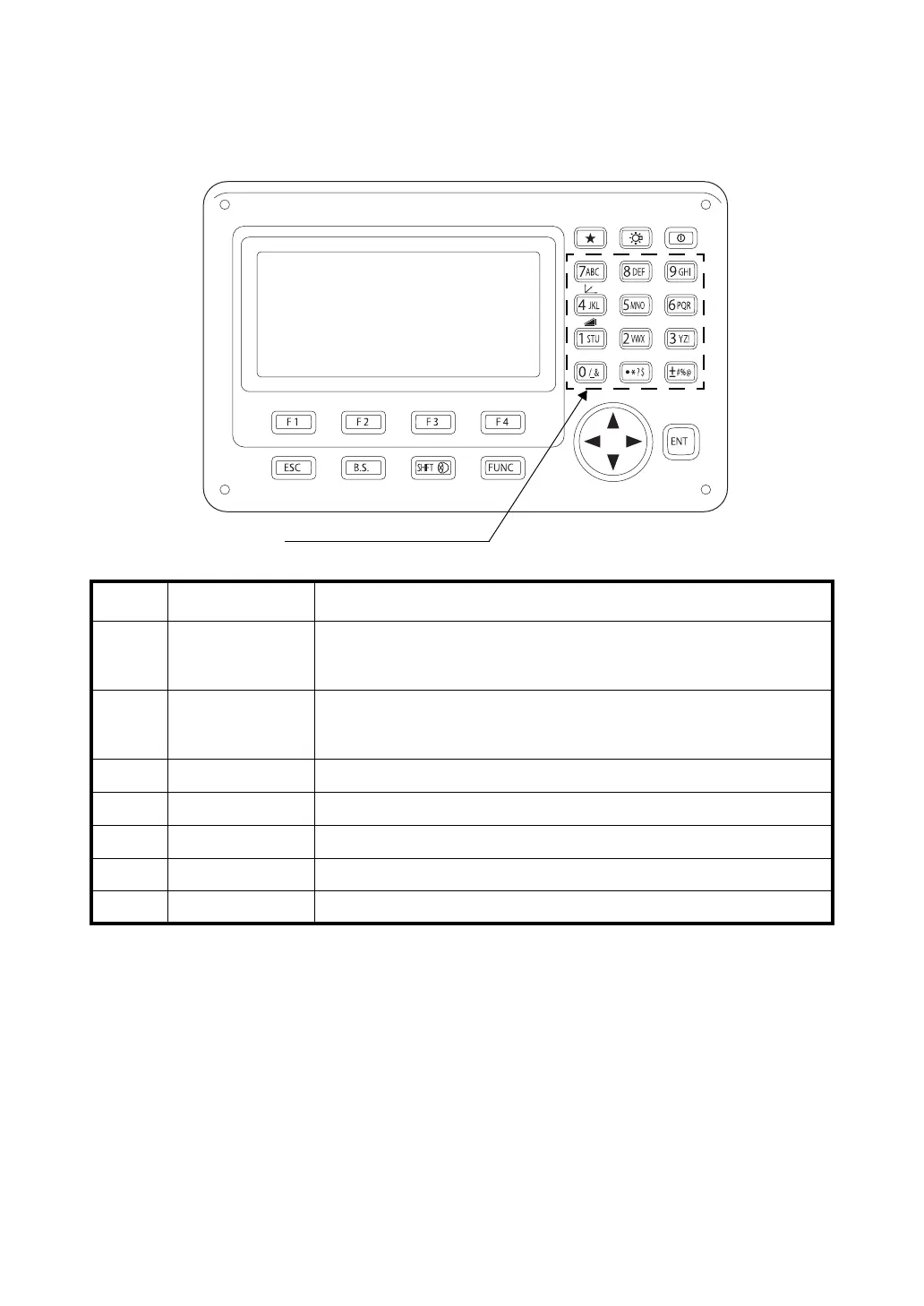
2.4 How to Enter Alphanumeric Characters
This enables you to enter alphanumeric characters such as the instrument height, prism height,
occupied point, backsight point etc.
Keys Name of Key Function
{0} – {9} Number key
During numeric input, input number of the key.
During alphabetic input, input the characters displayed above the key in the
order they are listed.
{.} / {±}
Decimal point key/
Plus-minus sign key
Input a decimal point/plus or minus sign during numeric input.
During alphabetic input, input the characters displayed above the key in the
order they are listed.
{} / {} Cursor key Right and left cursor/Select other option.
{
} / {} Cursor key Up and down cursor.
{ESC} Escape key Cancel the input data.
{B.S.} Backspace key
Delete a character on the left.
{ENT} Enter key Select/accept input word/value.
Alphanumeric characters key



 To Next Page