3-1
3 ANGLE MEASUREMENT
3 ANGLE MEASUREMENT
3.1 Measuring Horizontal Angle Right and Vertical Angle
Make sure the mode is in Angle measurement.
How to Collimate
Operating procedure Operation Display
1 Collimate the 1st target (A).
Collimate A
2 Set horizontal angle of target A at 0° 00' 00".
Press the {F1} (0 set) key and press the {F3}
(YES) key.
{F1}
{F3}
3 Collimate the 2nd target (B).
The required V/H angle to target B will be
displayed.
Collimate B
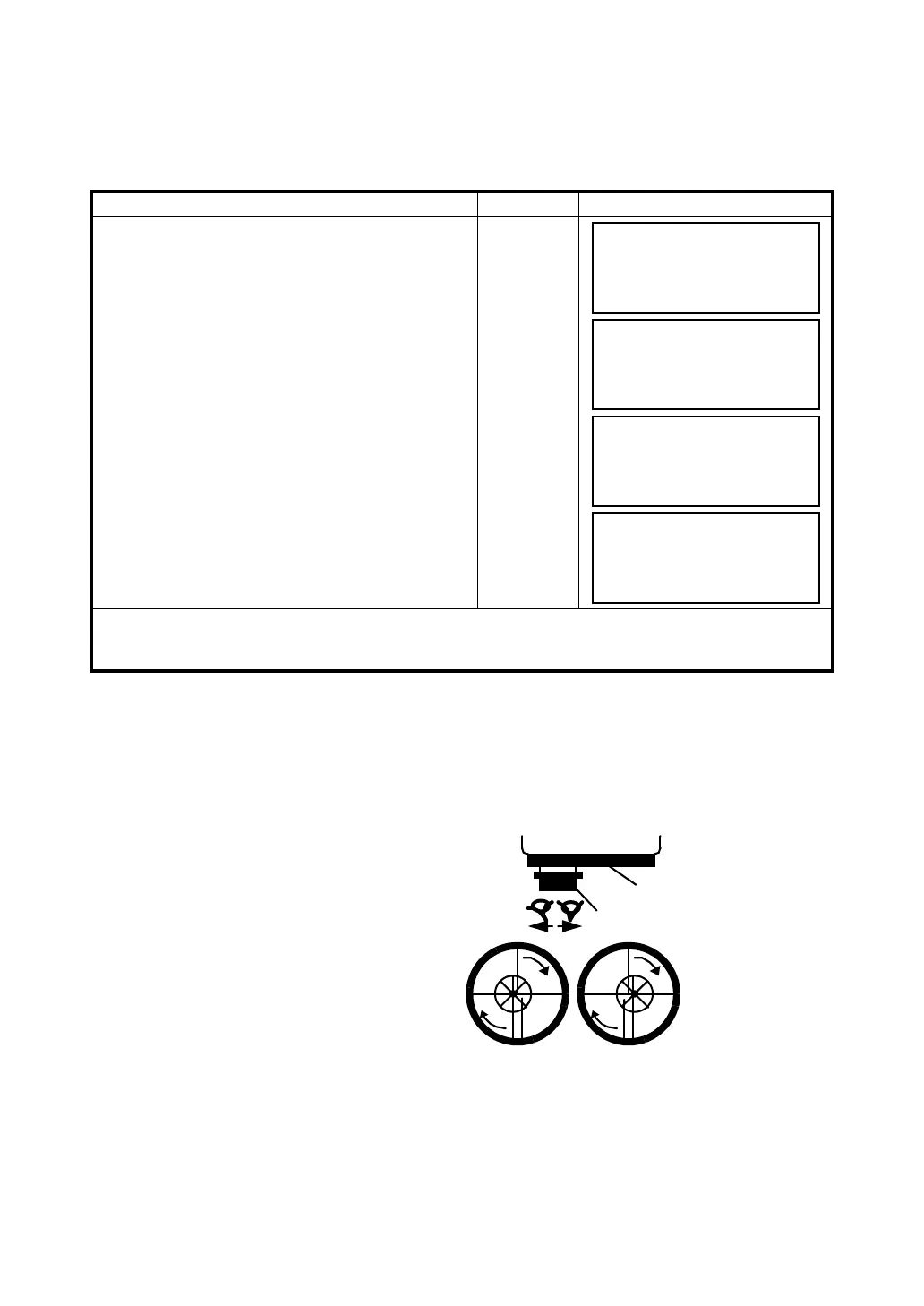
1 Point the telescope toward the light. Turn the diopter ring and adjust the diopter so that the cross
hairs are clearly observed.
(Turn the diopter ring toward you first and then backward to focus.)
2 Aim the target at the peak of the triangle mark of the sighting collimator. Allow a certain space
between the sighting collimator and yourself for collimating.
3 Focus the target with the focusing
knob.
*If parallax is created between the
cross hairs and the target when
viewing vertically or horizontally while
looking into the telescope, focusing is
incorrect or diopter adjustment is poor.
This adversely affects precision in
measurement or survey Eliminate the
parallax by carefully focusing
and using diopter adjustment.
V : 90°10'20"
HR: 120°30'40"
0SET HOLD HSET P1
↓
H ANGLE 0 SET
> OK?
--- --- [YES][NO]
V : 90°10'20"
HR: 0°00'00"
0SET HOLD HSET P1
↓
V : 98°36'20"
HR: 160°40'20"
0SET HOLD HSET P1
↓
Focusing knob
Telescope eyepiece (Diopter ring)
∞
∞
∞
∞



 To Next Page