24
Auto Focus (RL-VH3A/G Only)
When a target is used, the beam will focus automatically at the target.
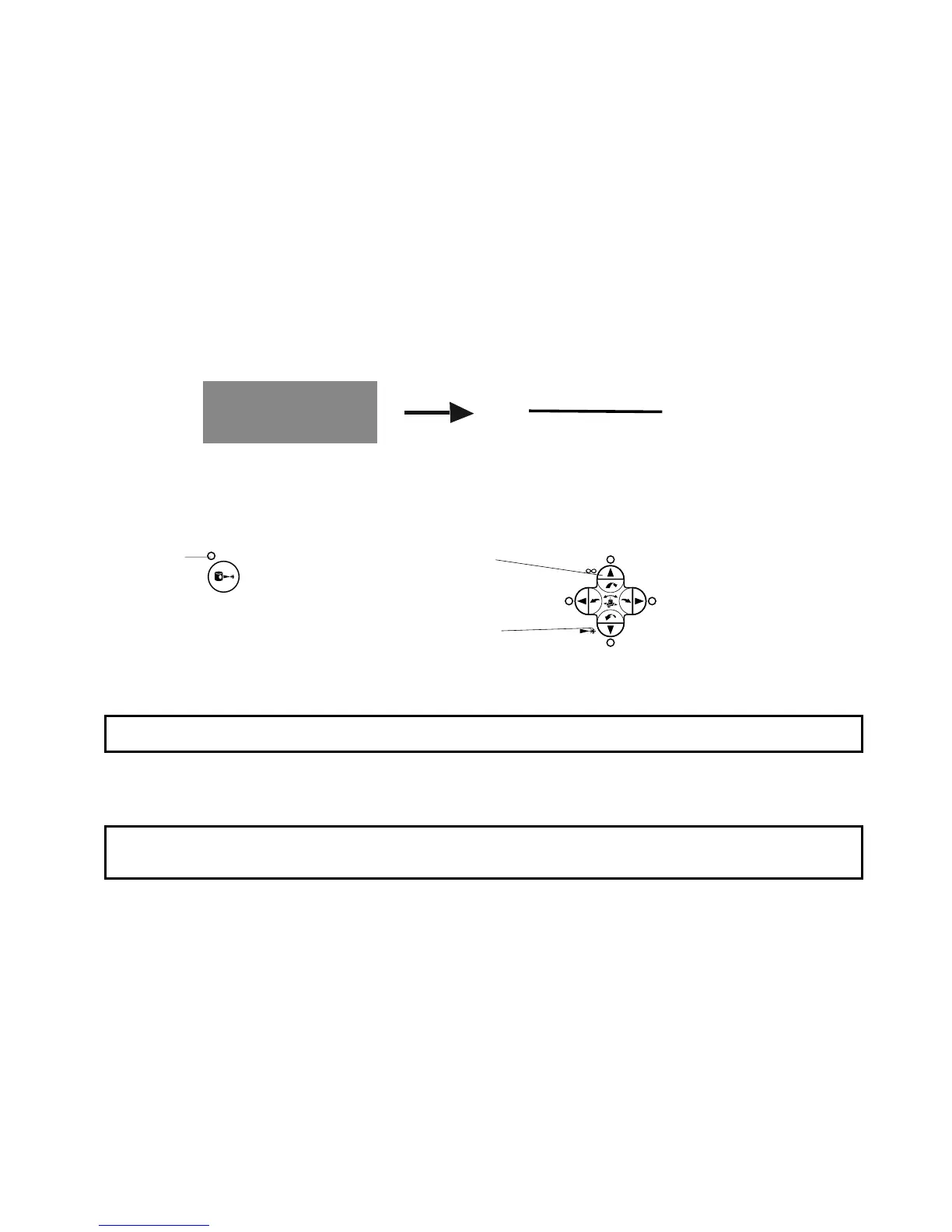
Manual Focusing (only for RL-VH3A/G)
It is also possible to focus manually with operating keys.
1 Press the manual focus key. The mode changes to manual focussing mode.
2 Focus can be adjusted manually by pressing upper or lower arrow key.
To cancel the manual focusing mode;
Press the manual focus key again.
Manual focus key
Arrow keys
The focus distance
remotes.
The focus distance
becomes near.
LED
Note: When the laser beam is not focused, it may not be possible to detect a target.
Note: When pressing the Auto/manual grade or Auto/manual alignment key, manual focus will
be cancelled.



 To Next Page