42
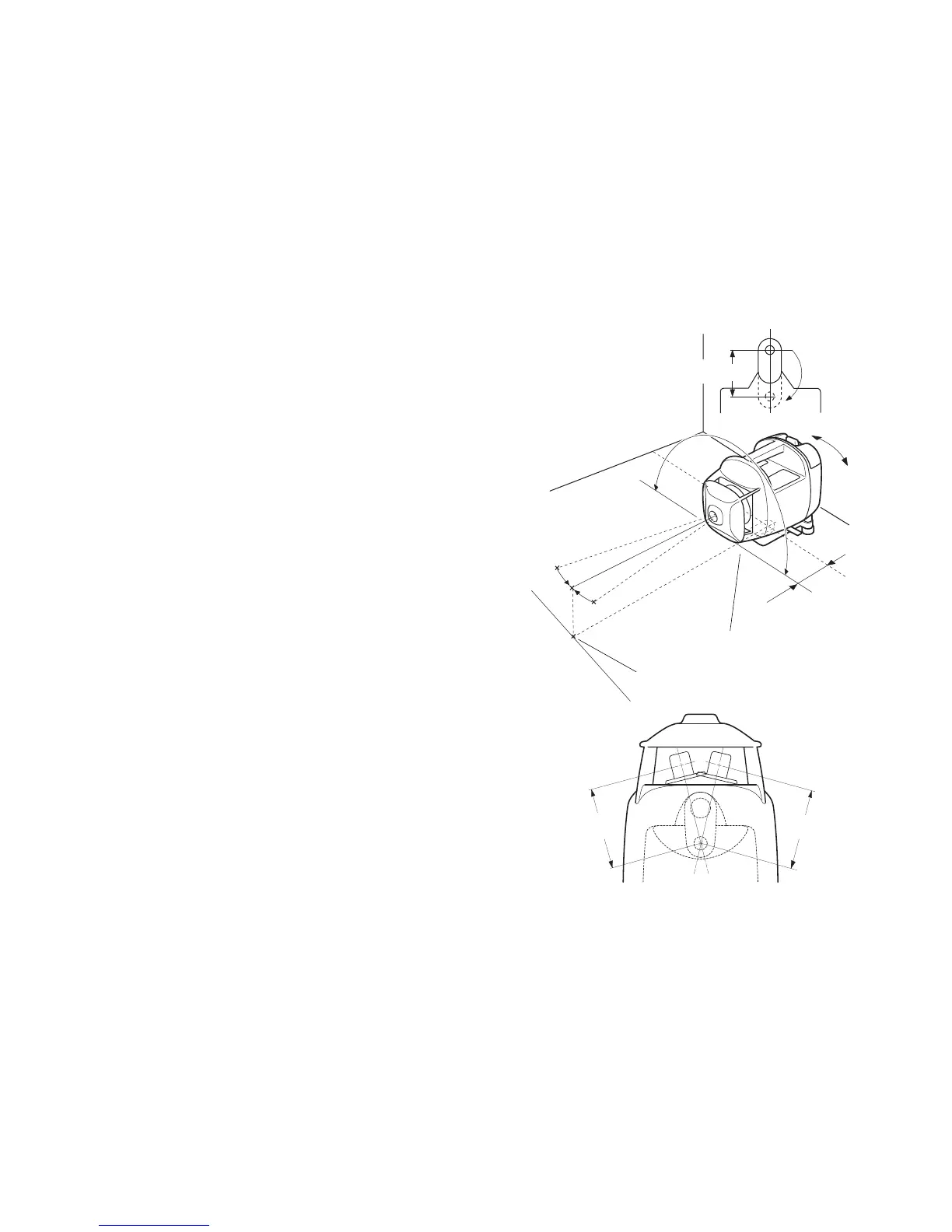
Setting 90° Vertical Layouts
1 Move the front floor mount leg to its stored
position.
2 Turn the rear floor mount leveling screws to
bring the bubble to the center of the vertical
level vial.
3 Press the Power Control key to turn unit on.
When auto-leveling is complete, the beam will
be emitted.
4 Align the beam on the control point.
5 Rotate the laser on the front floor mount, and
place the upper plumb beam on the far control
point. Fine adjustment can be done using the
Manual Line Control mode.
6 Move the beam (in the stopping, scanning or
changing speed modes) to the control point.
The beam is 59 mm forward of the center of
the front floor mount leg (in its stored position).
59mm
59mm
Control point
Control point
59mm
59mm



 To Next Page