45
Maintaining Power Sources
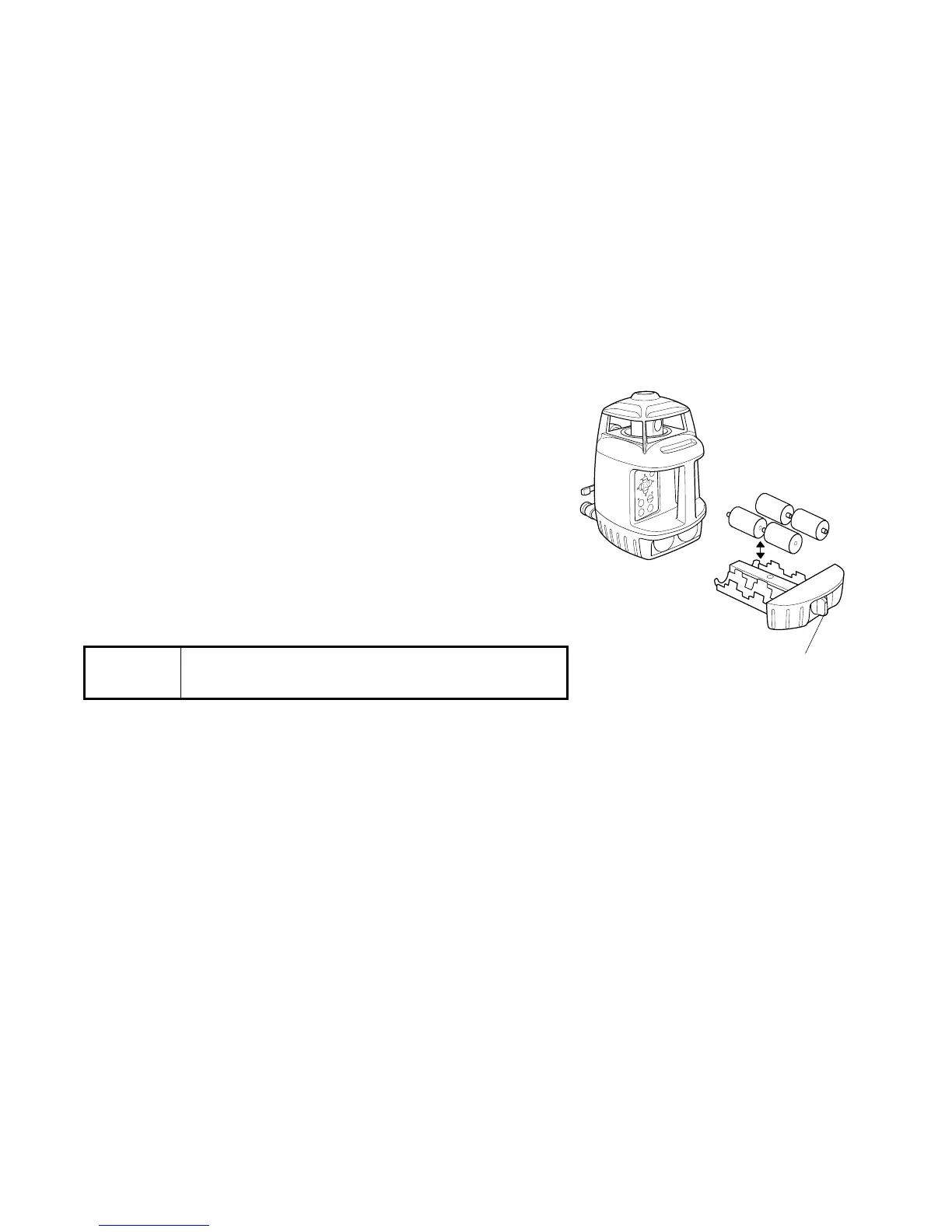
How to replace dry batteries
1 Remove the battery cover by turning the battery
compartment lock to “OPEN”.
2 Remove the old batteries and replace with four (4)
new “D” cell alkaline batteries making sure each is
placed in the proper direction as indicated.
3 Replace the battery cover (DB-49) and turn the knob
to “Lock”.
Rechargeable battery
Installing
1 Insert the BT-49Q into the DB-49C.
2 Place the DB-49C firmly into the instrument and turn the battery cover knob to “LOCK”.
Note
• Replace all 4 batteries with new ones.
• Do not mix old batteries and new ones.
Battery cover knob



 To Next Page