46
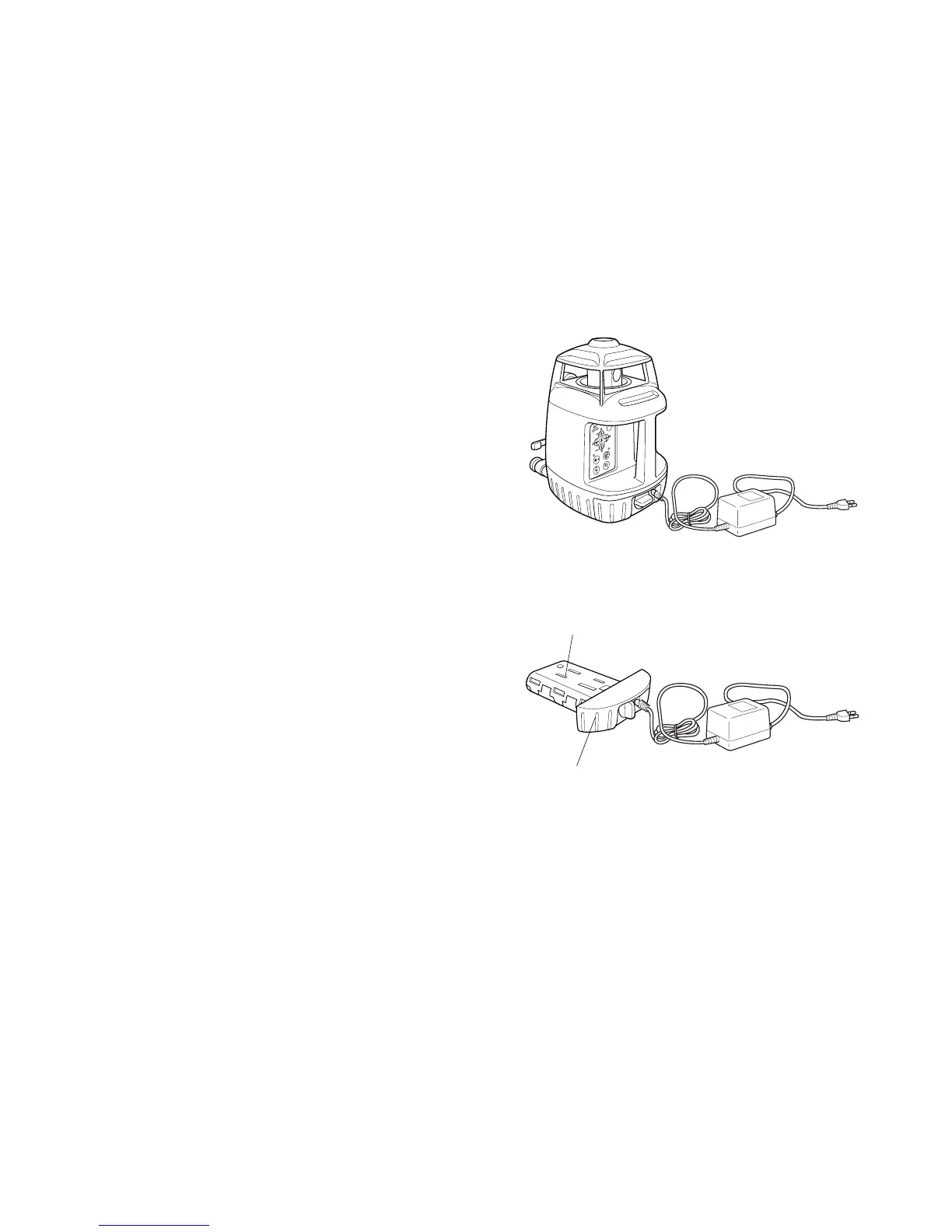
Charging
1 Plug the AC/DC converter (AD-9B or AD-7C)
into the DB-49C battery holder.
2 Insert the converter receptacle in an outlet
(AD-9B is for AC120V, AD-7C is for AC230V)
3 Complete charging by unplugging the con-
verter connector from the DB-49C battery
holder after approximately 9 hours.
4 Unplug the converter receptacle from the out-
let.
The DB-49C LED will indicate charging status;
Red ON : Charging.
Green ON : Charging completed.
Green flashing : DB-49C is not connected to
BT-49Q.
Red flashing : BT-49Q protection feature is
working automatically.
RL-VH3A/B/G can be used
in this state.
Automatic protection feature; In case of overcharge or high or low temperature state exceeding
charging range, charging will be stopped or changed to protect battery.
DB-49C
AC/DC converter
AD-9B/7C
BT-49Q
DB-49C



 To Next Page