27
Height Alert function
When auto-leveling is active, this function prevents the instrument from operating if it is dis-
turbed. This insures accurate control. If the unit is disturbed, the elevation should be verified
and reestablished if necessary.
1 To activate the height alert function, depress and hold the left of arrow keys (X2) (see
page 17 ) on the control panel while turning on the instrument by pressing the Power con-
trol pad.
2 When this function is active and the unit is disturbed, visible LEDs will rapidly flash.
3 To re-activate auto-leveling and check the beam height, turn the unit off, then on again by
pressing the Power control pad twice. After auto-leveling is complete, check the beam
height to confirm it has not changed.
4 The Height Alert function is now inactive. To re-activate, turn unit off and repeat step 1.
High Power Mode (RL-VH3G Only)
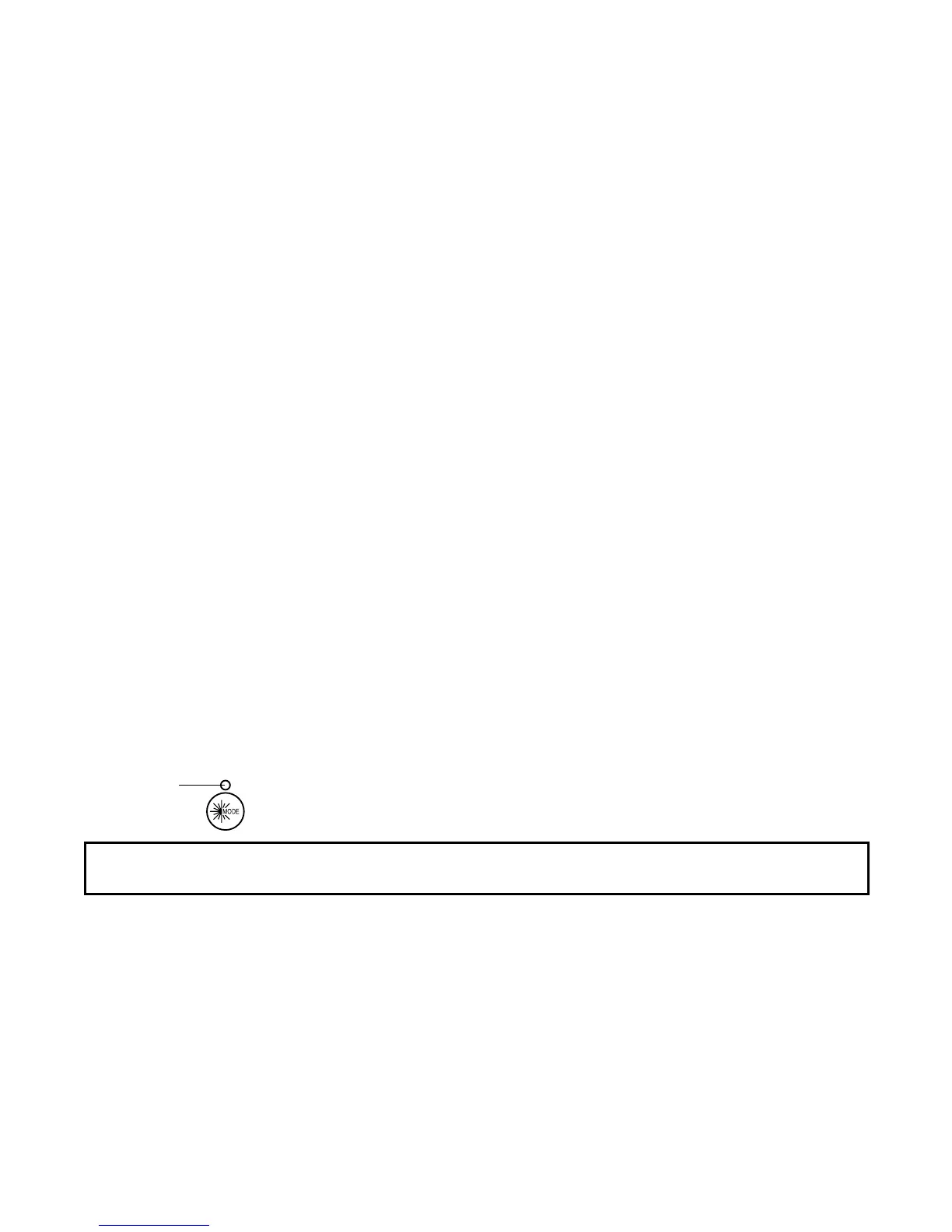
Pressing the high power mode key, the laser power will change alternately.
LED
Note: When the instrument is in Scanning, Auto grade or Auto-line control mode, it is not possible
to use High power mode.



 To Next Page