32
Setting Manual Grade
It is also possible to set up slope manually. This can be used to increase or decrease grade
already set in the laser.
1 Turn the instrument on by pressing the power control
pad. Auto-leveling will start.
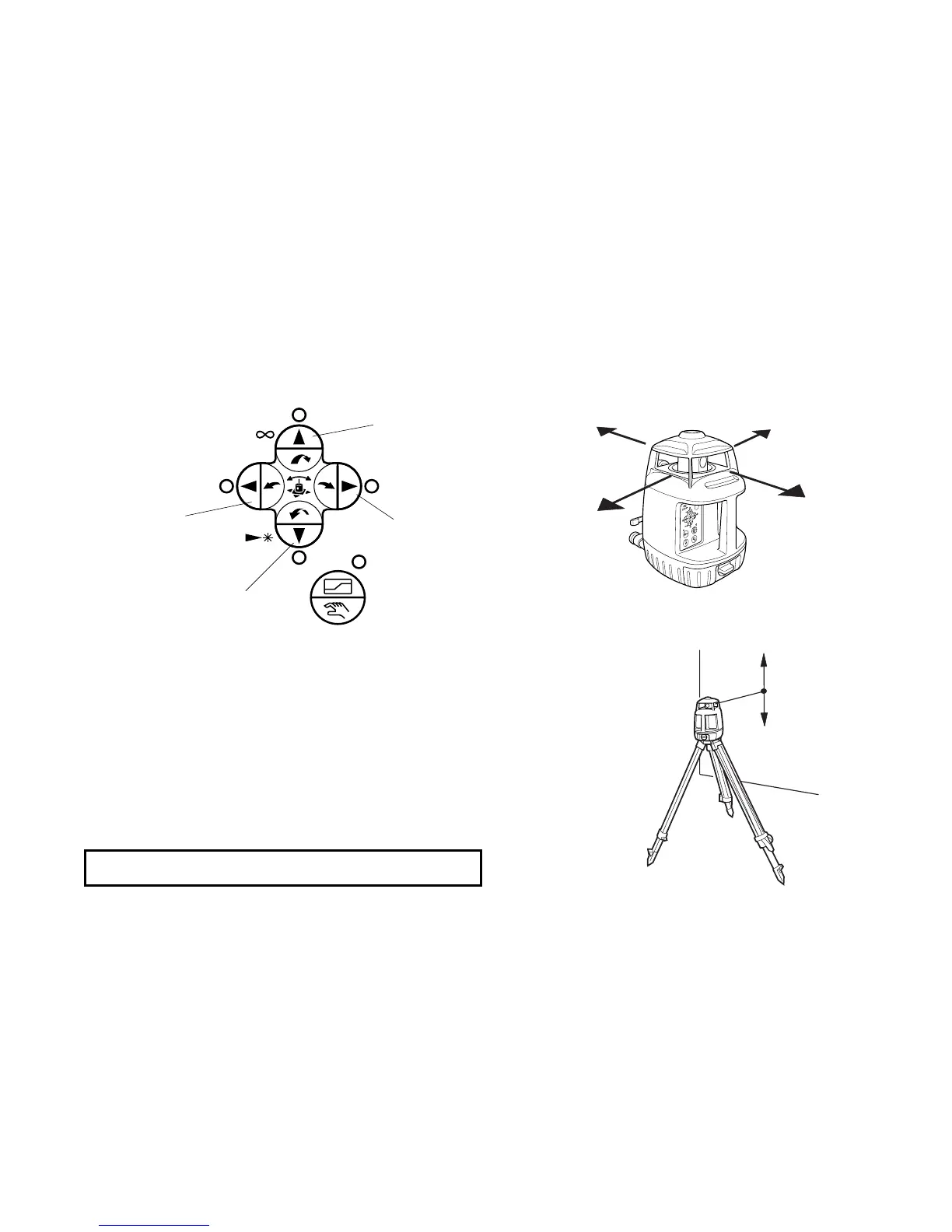
2 Press the Auto/manual grading pad twice after auto-lev-
eling is complete. The orange Auto/manual grade LED
will light and the 4 red arrow key LEDs will flash.
3 Press an arrow key corresponding to the direction of
desired slope as shown above. The LED of the direction
selected will stop flashing.
Grade setting direction
Arrow keys
Auto/manual grade
X1
X2
Y2
Y1
X1
X2
Y2
Y1
Note: It is possible to change the laser mode.



 To Next Page