66
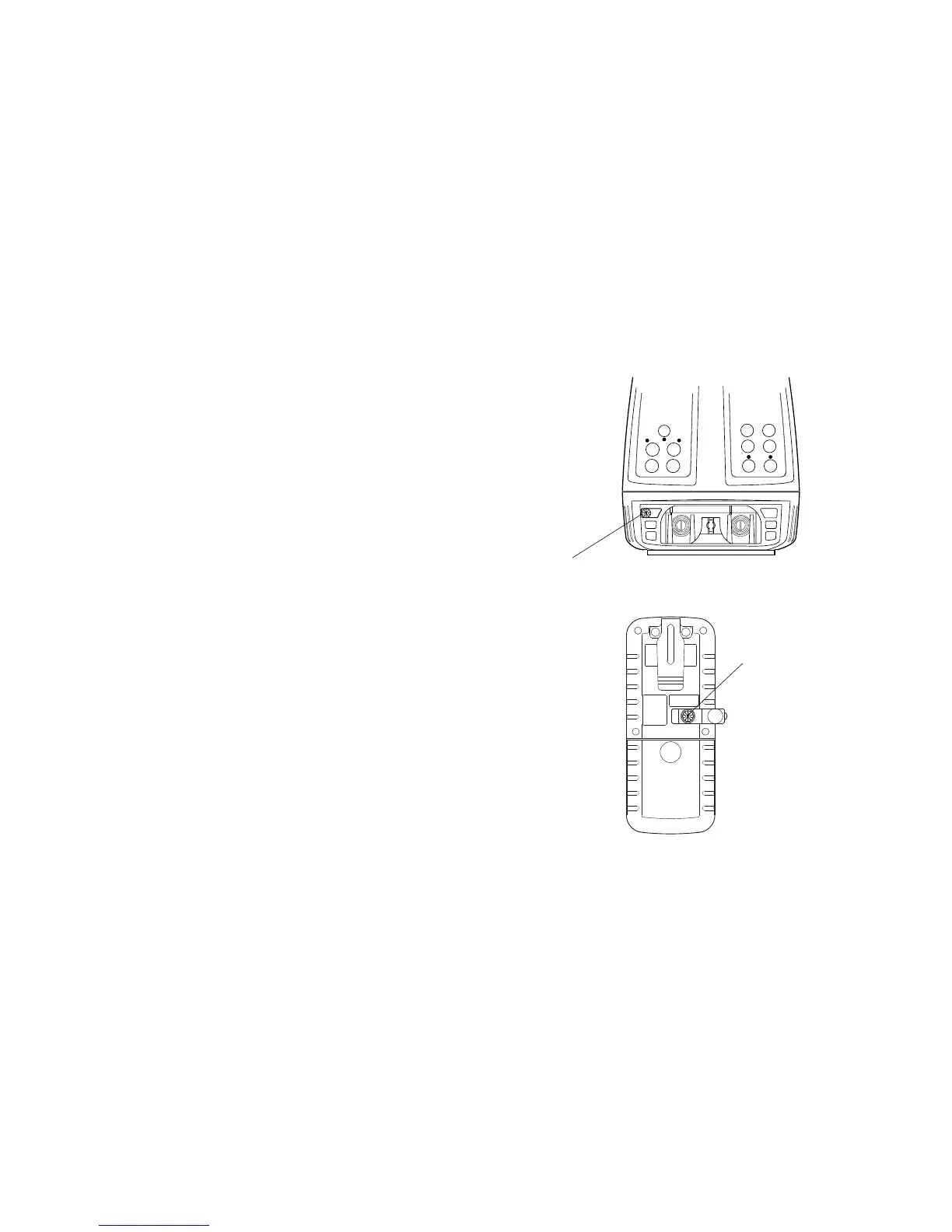
How to set remote control communication channel
The same channel must be set on the RL-VH3G/A/B and the RC-30 remote controller.
RL-VH3C
1
Remove the battery cover by turning the
battery compartment lock to “OPEN”.
2
Turn the channel switch to set a channel
by using with a small straight screw-
driver.
3
Replace the battery cover and turn the
knob to “Lock”.
RC-30
1
Remove the rubber cover from the chan-
nel switch on the back of the RC-30.
2
Turn the channel switch to the same
channel position set on the RL-VH3G/A/
B.
3
Replace the rubber cover.



 To Next Page