7
Chapter 2 – Camera Setup
Note: The camera monitoring software requires a license. Contact
your dealer for details.
2.1. Setting up general camera settings
1.
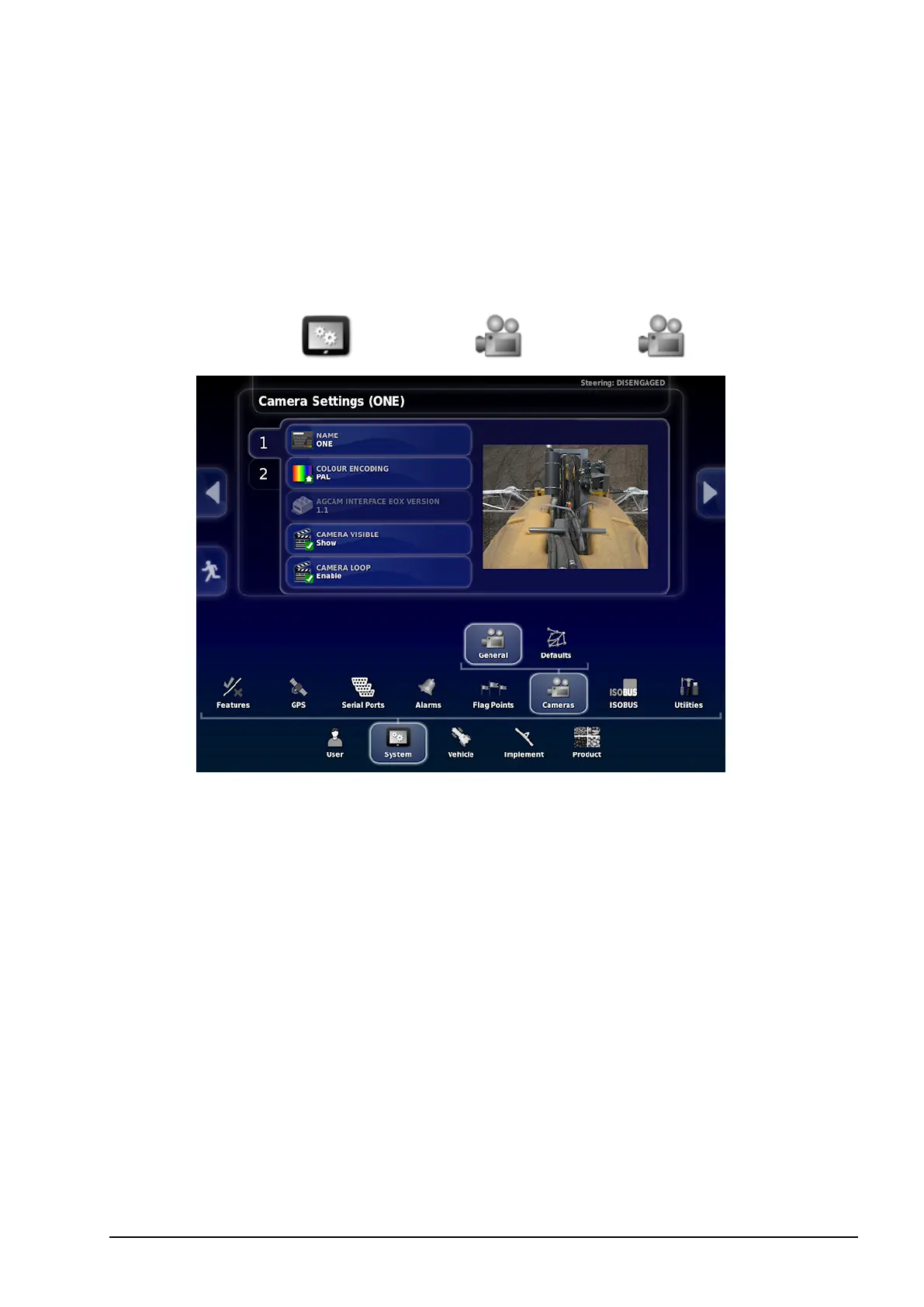
Select System / Cameras / General .
2. Select the camera from the tabs on the left.
The following options are available for each installed camera:
l Name: The camera name that will be displayed on the
Operation screen.
l Colour encoding: Sets the colour encoding for individual
cameras (NTSC or PAL). The supplied AgCam cameras are
PAL.
l Camera visible: Allows a camera to be selectable in the main
screen. Hides camera inputs when no camera is connected.
l Camera loop: Enable this option if this camera is to be used as
part of the camera loop. Disable this option to skip this camera
when cycling through cameras. See Camera loop, page 14.



 To Next Page