EasyManua.ls Logo

Topens JY9132 - User Manual

Topens JY9132
32 pages
Print Icon
To Next Page IconTo Next Page
Loading...
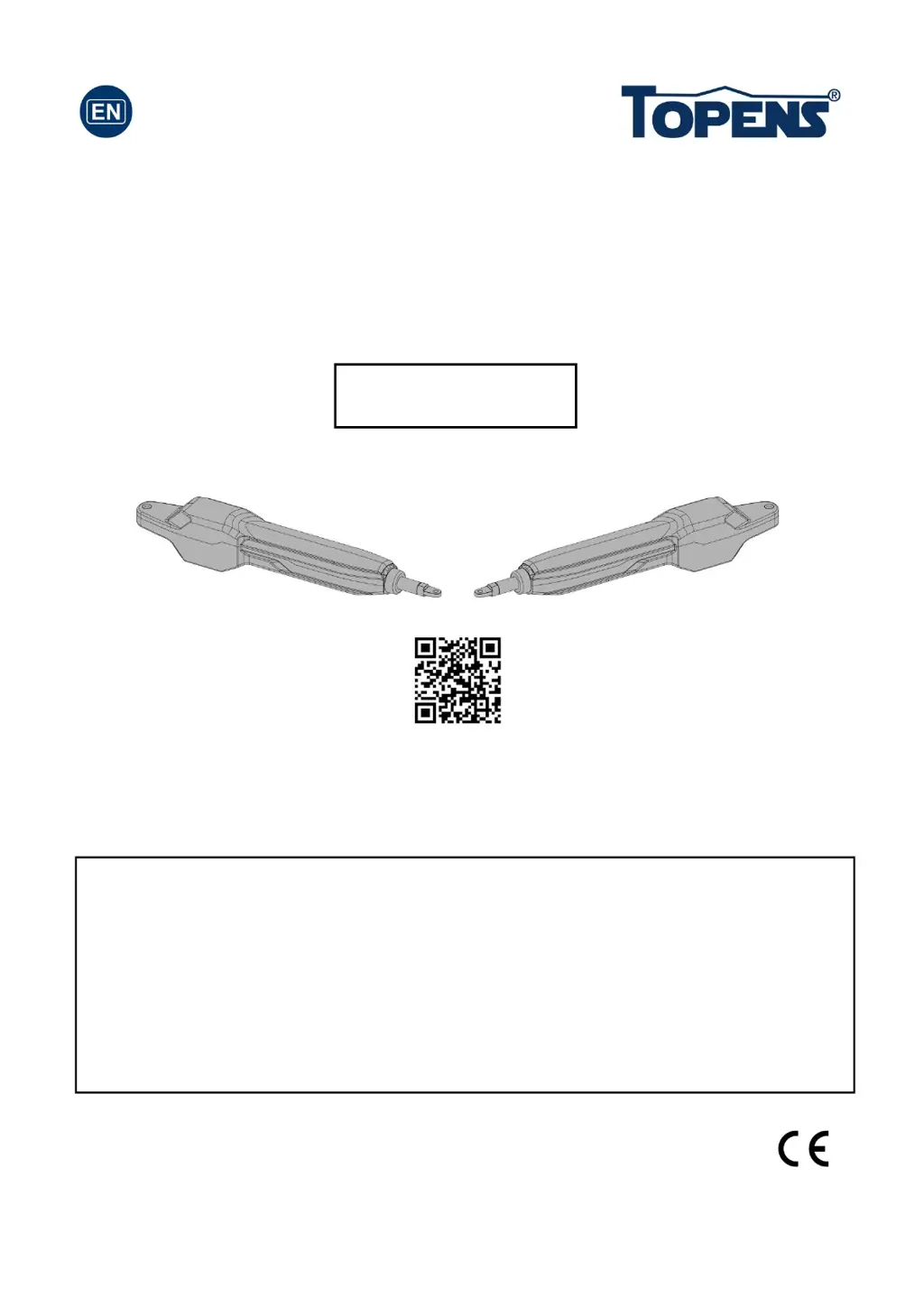
Dual Swing Gate Opener
User’s Manual
Model:
TOPENS Website
www.topens.com
Email: support@topens.com
VER 23a
C030622
Please read and follow all warnings, precautions and instructions before
installation and use.
Coming with UPS01-PLUS uninterrupted power supply, this series gate opener
can be powered by AC 100-240V electricity directly. It is allowed to use additional
battery (NOT incl.) and solar panel (optional) as BACK-UP or MAIN power source
with this UPS01-PLUS.
Never connect the solar panel to the control board directly to charge the battery.
Periodic checks of the opener are required to ensure safe operation.
Save this manual.
JY9132

Questions and Answers

  • T
    Tracy DavisAug 12, 2025
    What to do if both Topens JY9132 gates do not move when operating?
    • G
      gbennettAug 12, 2025
      If both gates of your Topens Gate Opener are not moving, try re-powering the gate opener. If the problem persists, the control board may need to be replaced.
  • A
    Anthony SanchezAug 19, 2025
    Why does Topens Gate Opener gate reverse when opening or closing?
    • J
      joshua48Aug 19, 2025
      If your Topens Gate Opener gate reverses direction during opening or closing, first make sure the gates swing freely without any obstructions. Also, the stall force might be set too low. Try adjusting Potentiometer E to increase the force. If you're using a photocell, ensure its photo beam isn't being blocked.
  • L
    lisachambersAug 27, 2025
    What to do if one Topens Gate Opener gate doesn't move?
    • A
      Amanda MaxwellAug 27, 2025
      If one gate of your Topens Gate Opener runs normally while the other doesn't, try exchanging the wire connections of the two arms. If the same arm remains faulty, the arm itself is likely the problem. However, if the issue switches to the other arm, then the control board is likely faulty. If the arm is confirmed faulty, connect the RED & BLACK wire of the arm to the output of UPS01 directly to check if the arm could run normally.
  • M
    Monica JonesSep 3, 2025
    Why Topens JY9132 Gate Opener is in standby mode with UPS01 connected?
    • D
      douglaswilsonSep 3, 2025
      When the Topens Gate Opener is in standby mode with UPS01 connected, it could be due to several reasons. First, ensure the connection between the UPS01 and control box is secure. Then, verify that the UPS01 power supply is plugged into the AC main socket or the batteries (2*12V batteries connected in series) are properly connected to the UPS01. If you're using batteries, ensure their voltage is above 22V. Also, check the output of UPS01, and if it measures below 21VDC while the batteries are above 22VDC or the power cord is well plugged, the UPS01 might be defective. Finally, inspect the fuse in the control board and replace it if it's burnt out, or consider replacing the control board if necessary.

Topens JY9132 Specifications

General IconGeneral
Motor TypeDC motor
Operating Temperature-4°F to +122°F (-20°C to +50°C)
Motor VoltageDC 24V
Opening Speed10-15 seconds
Max. Gate Weight660 lbs (300 kg)
Max Gate Weight660 lbs (300 kg)
Max. Gate Length10 ft (3 m)
Remote Control Range65 ft (20 m)

Related product manuals