Guangzhou Topshine Information Technic Co., LTD
Address: RM 605, #52 SHUI YIN RD, YUE XIU DIST, GUANGZHOU, CHINA
User manual of tracker MT01
-
8
-
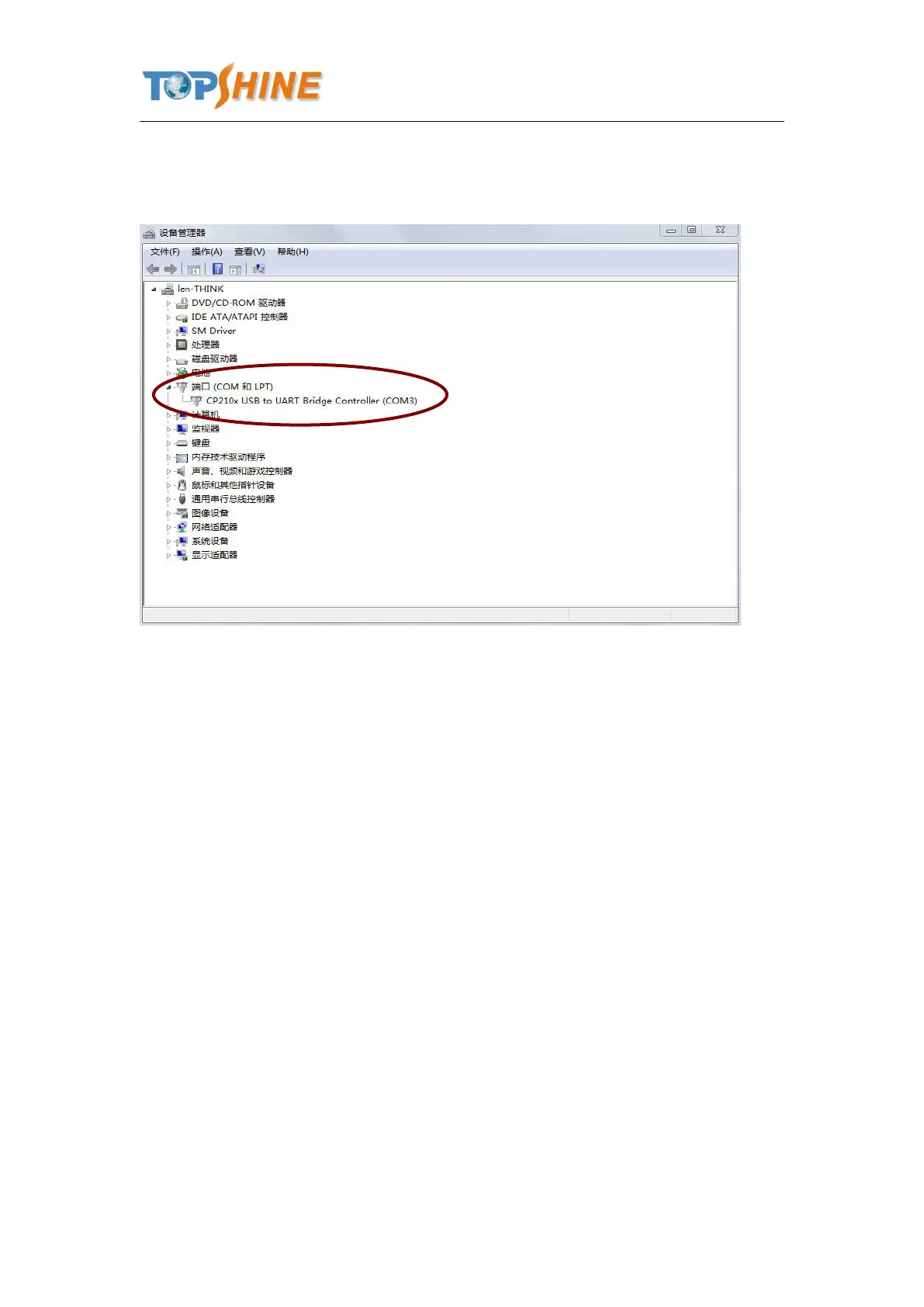
you can find “Prolific USB-to-Serial Comm. Port “ ,as following picture shows.
The USB port is virtual comm. Port (com3) in this example,
3. Open the GPS Tracker Parameter Editor
① Connect MT01 with PC by the configuration cable
② Confirm MT01is in the Power Off states
③ Double click GPS Tracker Parameter Editor.exe and Select the COM Port, following picture
shows:



 To Next Page