6
Location of controls
Front Side
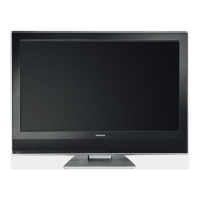
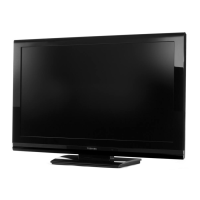
Illustration of 32W300Ps
Description of Indicators and Controls
1. Loudspeakers
2. Remote sensor
3.
(On/Standby) indicator: The LED indicator lights up red in standby mode, and green in the
power ON mode.
4.
(Volume) +/– buttons : To set the volume. In Menu: Setting.
5.
(Channel) ▲/▼ buttons: Press ▲ to change to a higher numbered channel set into memory. Press
▼ to change to a lower numbered channel set into memory. In Menu: Setting. In Standby: Turning on
the unit.
6. MENU button: To display the menu screen.
7.
(Input) button: Select input mode for TV/AV/COMPONENT/HDMI/PC. In Menu: Using as ENTER
button.
8.
(On/Standby) button: To turn the unit on or off. Power is still used unless the AC power cord is
disconnected from the supply.
1
To p
45678
Front Side
23
32L0141B_Eng.indd 632L0141B_Eng.indd 6 6/7/2007 9:21:12 AM6/7/2007 9:21:12 AM



 To Next Page
 Loading...