Service Notification 171
Setting Email addresses
Up to 3 Email addresses can be registered.
1
Select “E-MAIL SETTINGS” with and buttons, and then
press the [ENTER] button.
2
Select “E-MAIL ADDRESS 1”, “E-MAIL ADDRESS 2”, or “E-MAIL
ADDRESS 3” with and buttons, and then press the [ENTER]
button.
If the item in which Email addresses have been already registered is selected, “Already
assigned” appears for approx. 2 seconds and the selecting menu is displayed. Select the
desired item with and buttons, and then press the [ENTER] button.
DELETE: This deletes the registered Email address and then returns to the previous
menu.
MODIFY: This modifies the registered Email address. Continue the subsequent opera-
tion.
RETAIN: This cancels the selection and then returns to the previous menu.
3
Enter the Email address and then press the [ENTER] button.
For how to enter Email address, see the manual which comes with the Scanner Upgrade
Kit GA-1200 (optional).
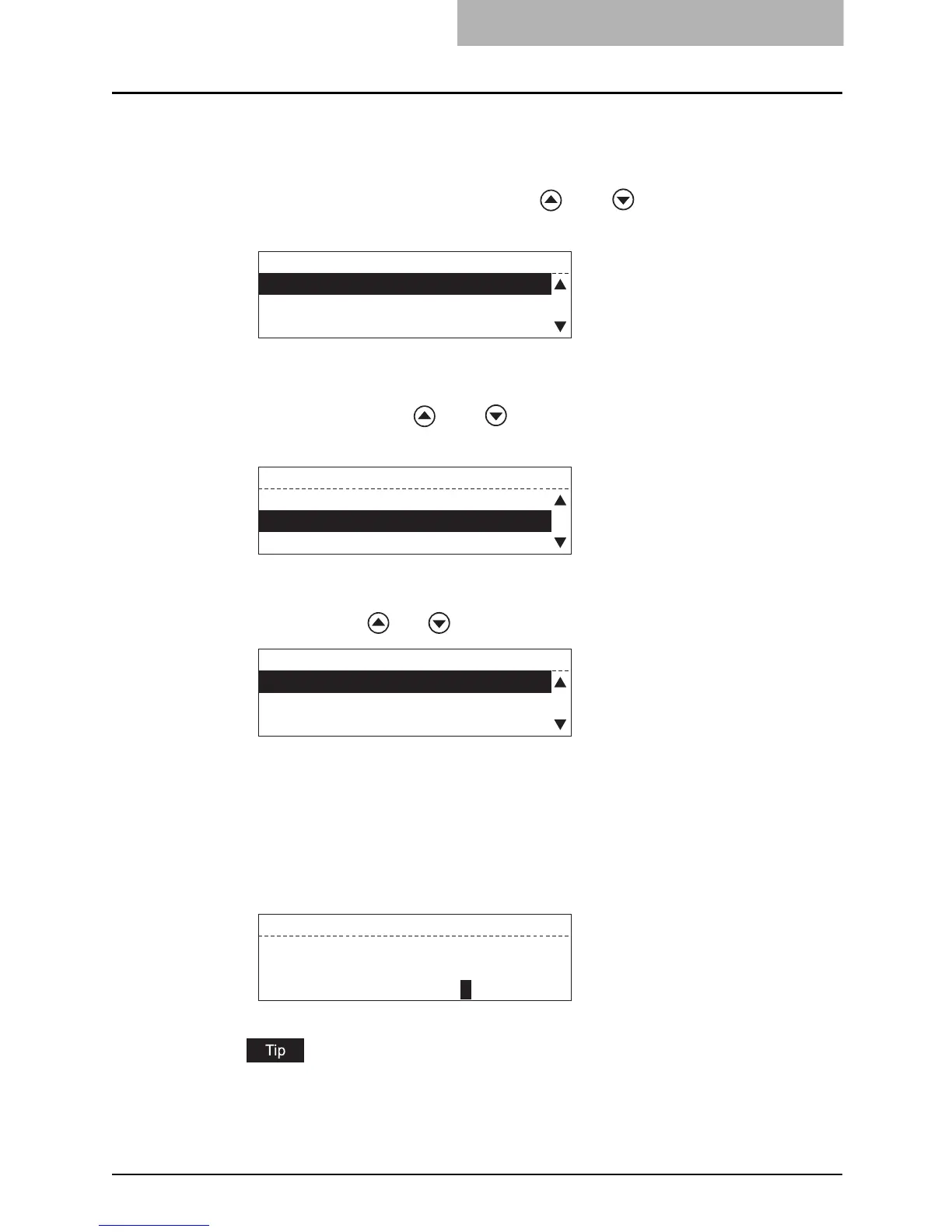
SERVICE NOTIFICATION
01.E-MAIL SETTINGS
02.CUSTOMER INFORMATION
E-MAIL SETTINGS
01.SEND NOW
02.E-MAIL ADDRESS 1
03.E-MAIL ADDRESS 2
E-MAIL ADDRESS 1
01.DELETE
02.MODIFY
03.RETAIN
E-MAIL ADDRESS 1
test@toshibatec.com
ENTER E-MAIL ADDRESS(MAX192):



 To Next Page
 Loading...










