2 HOW TO MAKE COPIES
54 Placing Originals
When copying highly transparent originals
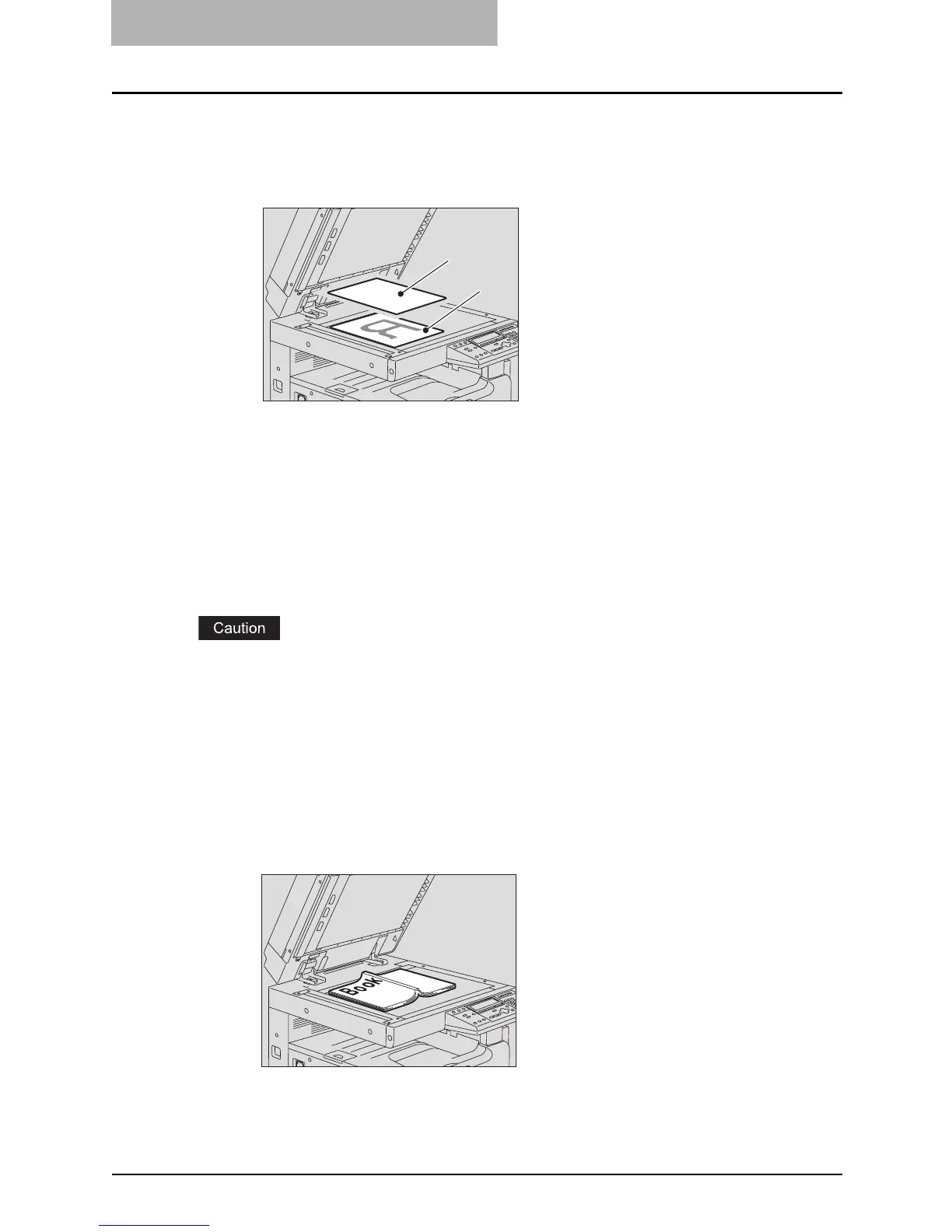
When copying highly transparent originals such as overhead transparencies or tracing
paper, place a blank sheet of paper (A), the same size as the original or larger, over the
original (B).
3
Lower the Platen Cover (optional) or the Reversing Automatic Doc-
ument Feeder (optional) / Automatic Document Feeder (optional)
carefully.
Placing booklet-type originals such as books or catalogs
Place a book-type original on the original glass.
Do not place heavy objects (9 lb. or more) and do not press on it with force.
Breaking the glass could injure you.
1
Raise the Platen Cover (optional) or the Reversing Automatic Docu-
ment Feeder (optional) / Automatic Document Feeder (optional).
2
Open the desired page of the original and place it face down.
Align it against the left rear corner of the glass.
B
A



 To Next Page
 Loading...










