Paper Jams 183
12
Lower the original feeding tray.
13
Close the upper cover.
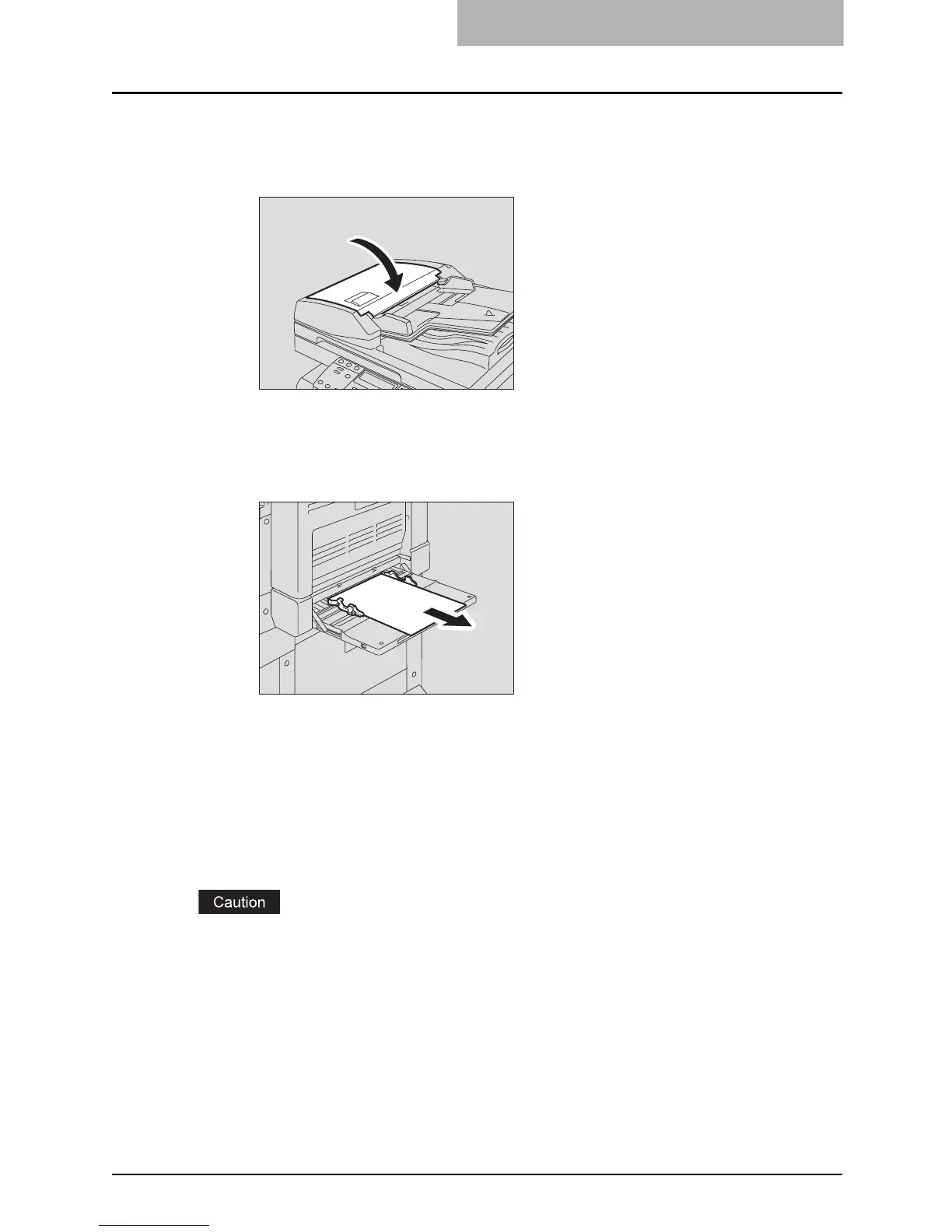
Paper jams on bypass tray
1
Pull out the paper jammed on the bypass tray.
2
Check beneath the transport guide in the paper feeding area.
Check if any paper is jammed under the transport guide behind the transfer unit.
P.184 “Paper jam behind transfer unit”
Paper jams within Automatic Duplexing Unit (optional)
Be careful not to let your fingers be caught between the equipment and the side cover.
This could injure you.



 To Next Page
 Loading...










