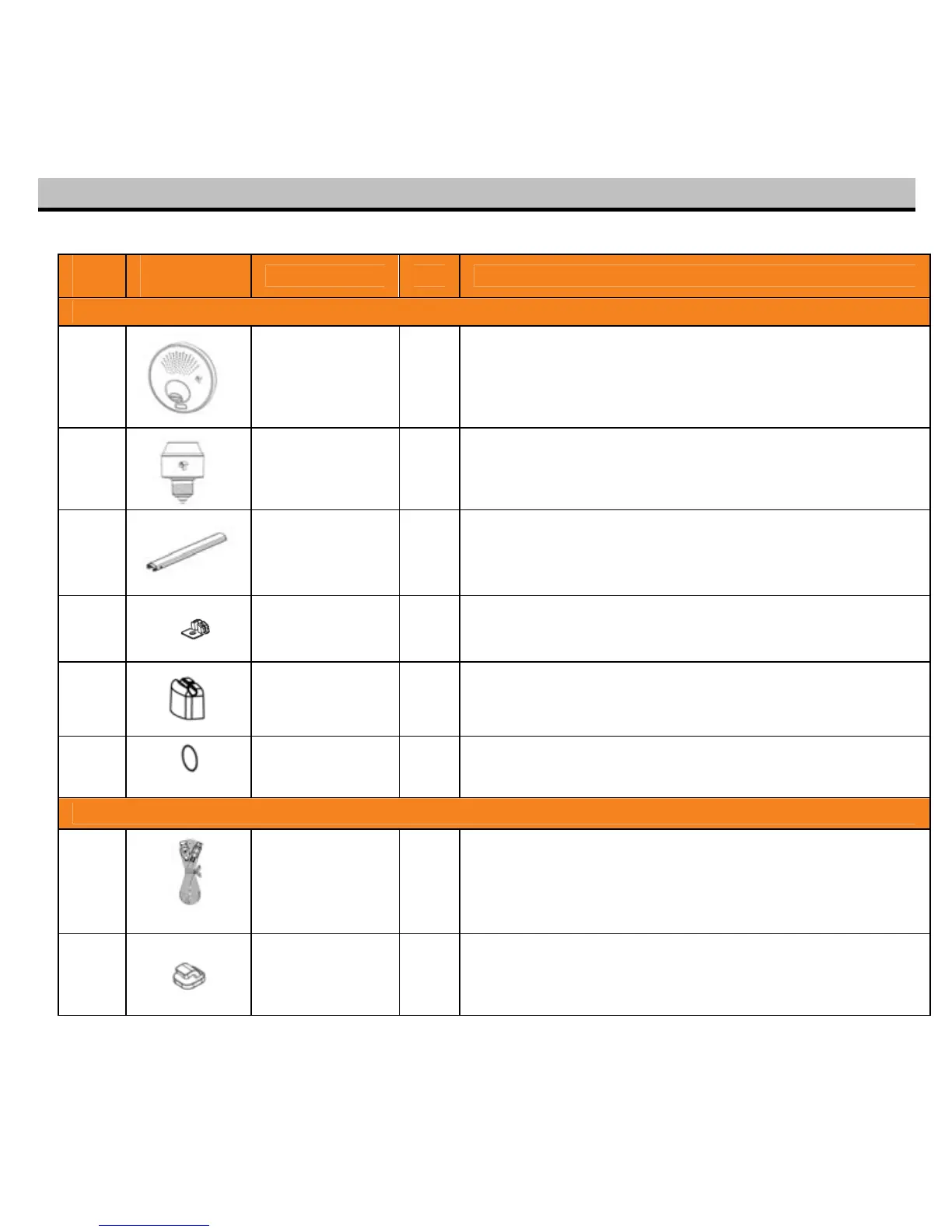
Before installing Toucan, make sure all parts are present. If any part is missing, please contact VuPoint
Solutions at support@vupointsolutions.com
Item Part
Description Qty Application
Mount Camera On Mount Plate
1
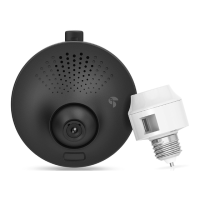
Toucan
Camera
1 Mount camera under light fixture
2
Smart Socket 1
Thread in between light fixture and light bulb. USB port
provides power to camera.
3
Conduit 1 Manage the cable between camera and light fixture
4
Conduit Cover 1 Fix the cable position on conduit
5
Mount Plate
Cover
1 Fix the cable position on mount plate
6
Positioning
Sticker
1
Indicate the camera location after move out the camera
on wall
Cable Management
7
USB cable 1m
with silicon
pipe
1
Connect camera to socket to get power source. Silicon
pipe protects USB cable when installing lamp shade on
fixture
8
Cable Clip 3 Manage the cable on light base plate
6


 To Next Page