www.touchstonehomeproducts.com 800.215.1990
rev. 20190312
Operating the Lift
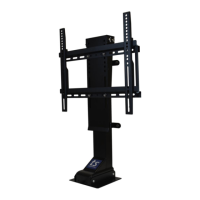
The SRV PRO TV Lift can be controlled through the provided wired handset controller or the wireless remote
control.
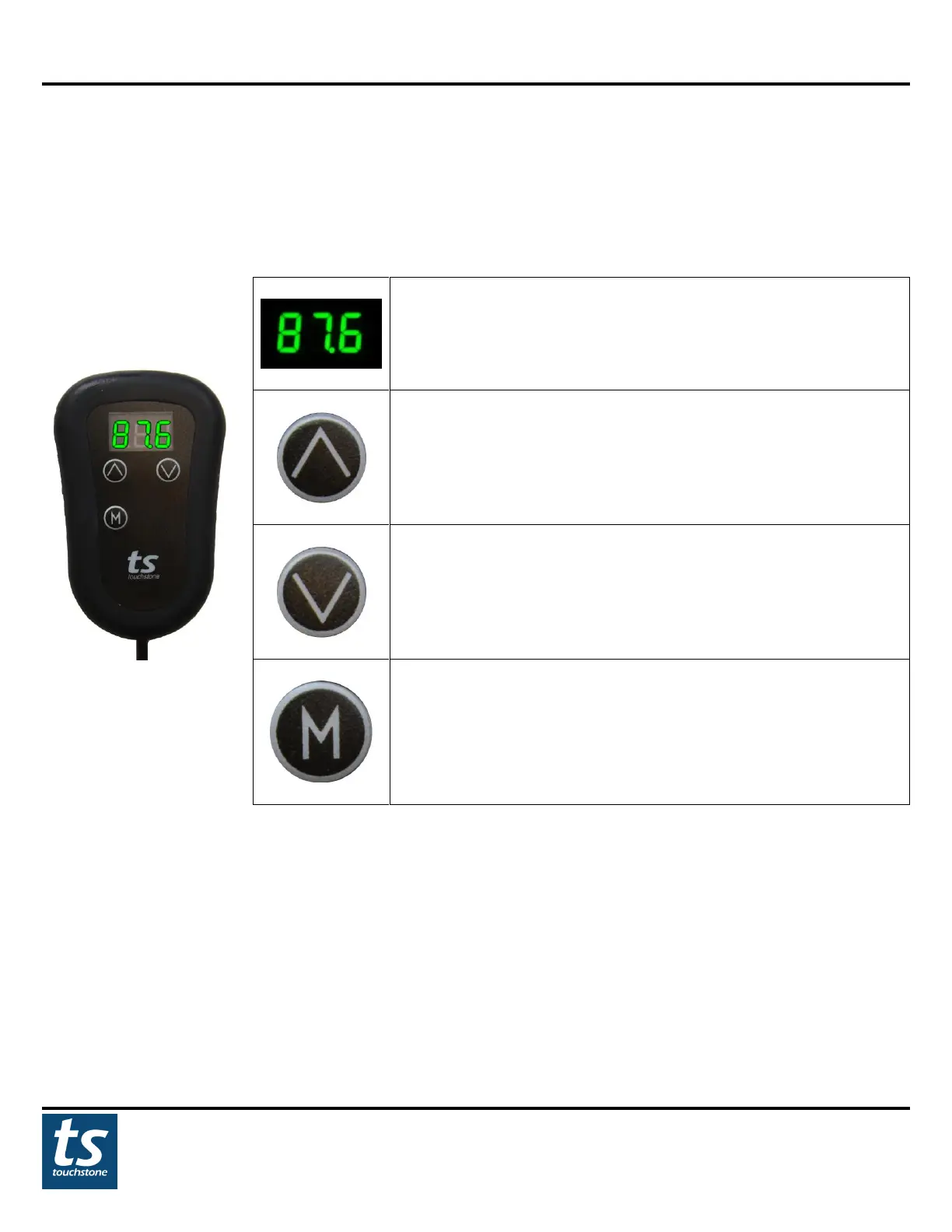
Wired Handset Control
Lift Height: Shows the height of the lift in mm
UP Button: PRESS and HOLD this button to raise the lift.
Releasing this button will stop the lift.
DOWN: PRESS and HOLD this button to lower the lift. Releasing
this button will stop the lift.
MEMORY: The lift can be set to 1 memory position. To set the
memory position, raise the lift to the desired position. At the
desired position, PRESS the M button to set the memory height.
The LED screen will blink to confirm the height setting. Repeat
the operation to change the memory setting.
NOTE: For applications where fixtures are mounted above the lift and in the path of the lift travel, please use
the WIRED HANDSET ONLY to avoid damages to the lift and other items!


 To Next Page