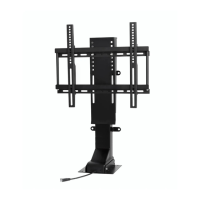
Mounting and Installing the TV
IMPORTANT: Prior to installing the TV onto the lift, please ensure the following:
- If you have not done so already, remove the stand from your flat screen TV.
- Maximum lifting capacity:
32800 – SRV PRO 28” TV Lift: 175 lbs
33900 – SRV PRO 39” TV Lift: 175 lbs
- TV has VESA compliant mounting pattern.
Attaching TV Mounting Brackets To Flat Panel TV
Tools Required:
- Phillips head screwdriver
Parts Required:
- TV mounting brackets
- TV mounting screws
***Note: Touchstone Home Products includes a screw pack containing some of the most popular sizes of
mounting screws, used by most TV manufacturers. Due to the amount of TVs in the marketplace and no standard
for mounting screw size, Touchstone Home Products cannot guarantee that the screws required for your TV are
included in the screw pack. Please consult your TV manufacturer for the size of the mounting holes in the back of
your TV and use the appropriate size screws. Touchstone Home Products assumes no liability for damage to a TV.
Instructions:
1. Remove stand from TV. Consult TV manual for instructions on removing the stand from the TV.
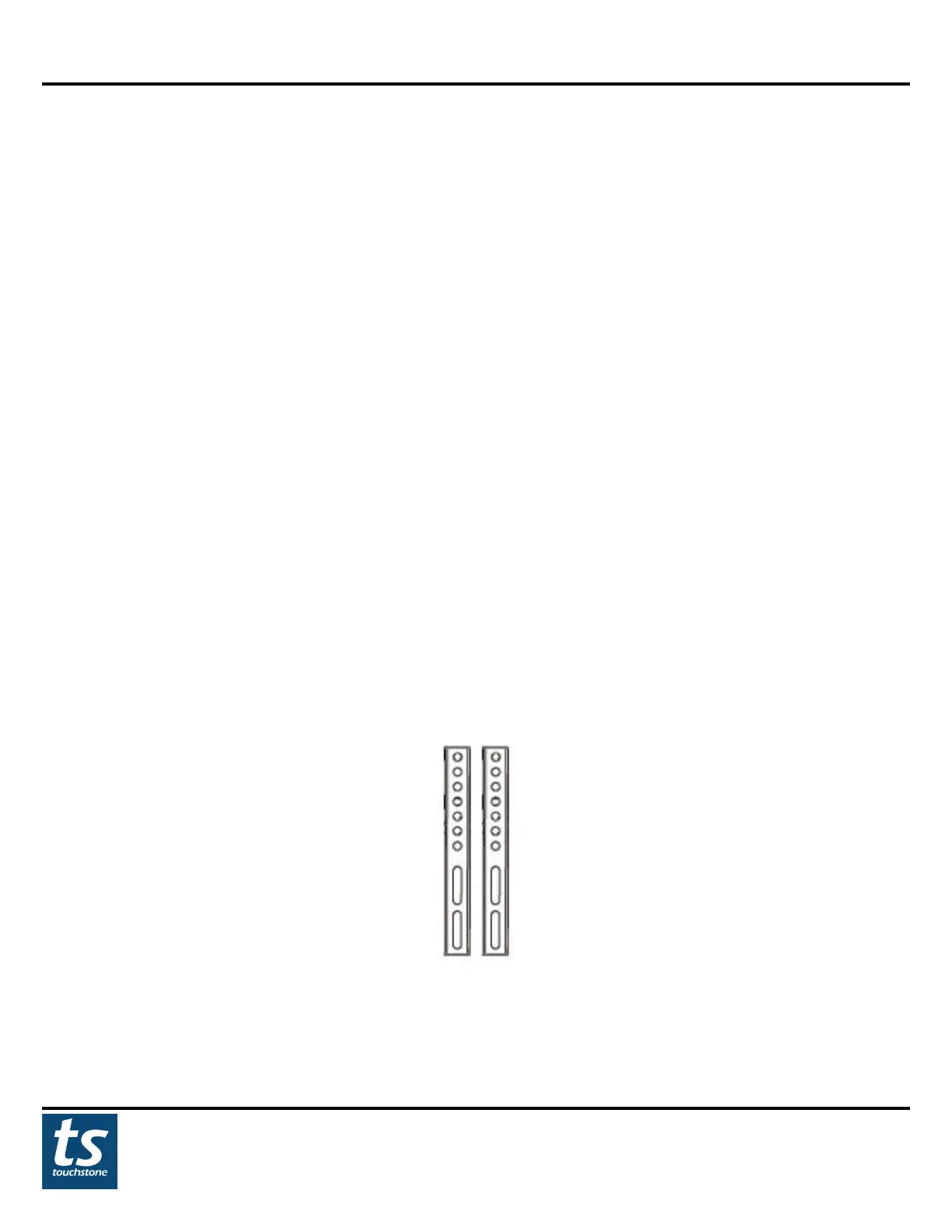
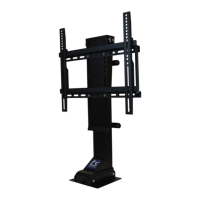
2. Locate the TV mounting brackets. They are pictured below.
TV Mounting
Brackets


 To Next Page