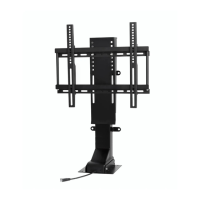
Installing TV on Lift
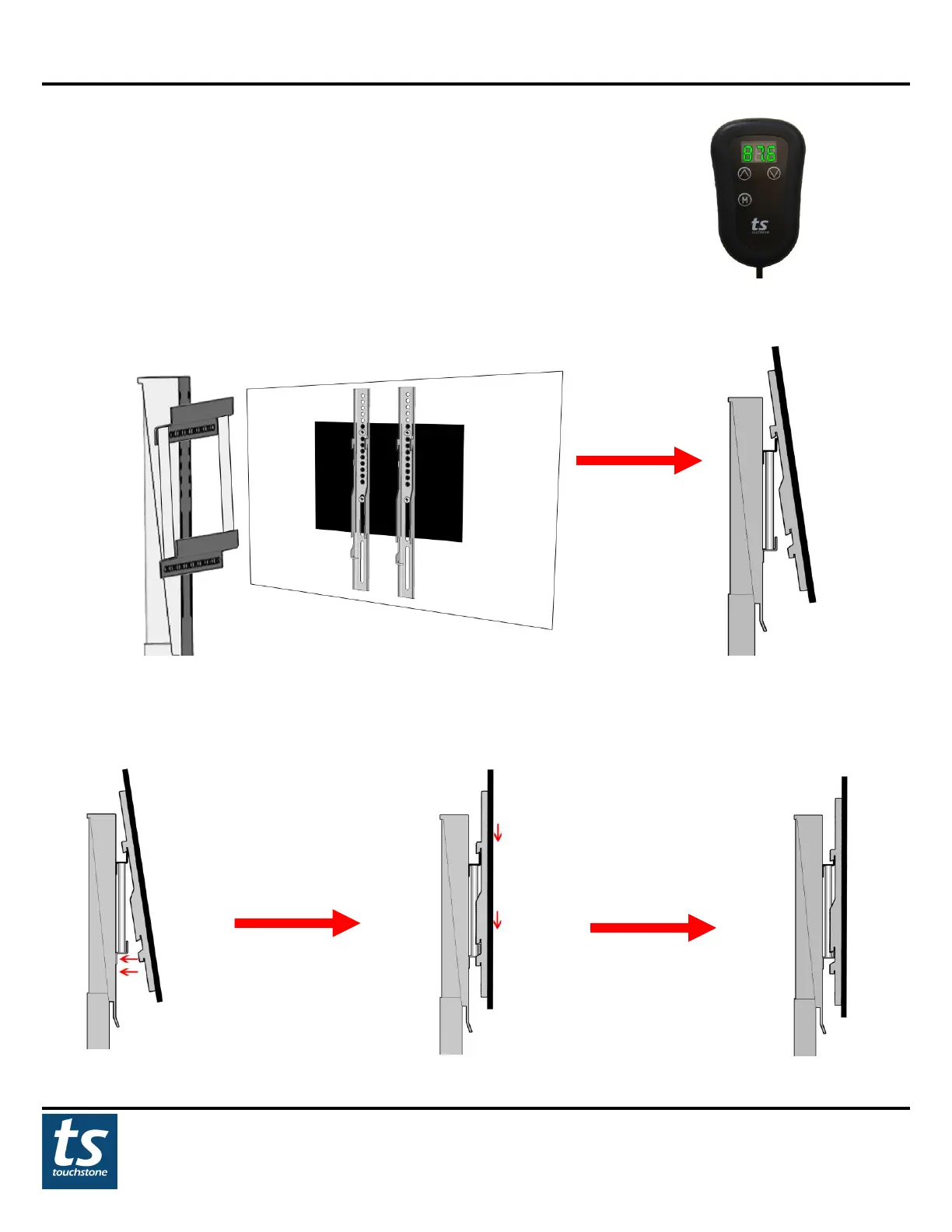
1. Using the wired handset control, press the UP button to move the lift to the highest
position.
2. Hang TV on top crossbracket so that the top set of hooks on the TV bracket overlap the top bar of the flat panel
TV mount.
3 With the top set of hooks on the TV bracket overlapping the top bar of the flat panel TV mount, push the bottom
of the TV back toward the lift (figure a). Then slightly raise the TV so that the bottom set of hooks on the TV
bracket clears the bottom crossbracket of the flat panel TV mount. Lock the TV brackets back down into place
(figure b). The TV brackets will now hook over both crossbrackets on the flat panel TV mount (figure c).


 To Next Page