- 28 - tousek / EN_ST-61A_08 / 25. 03. 2020
Note: The factory settings of the
single menu points are marked
with in this manual.
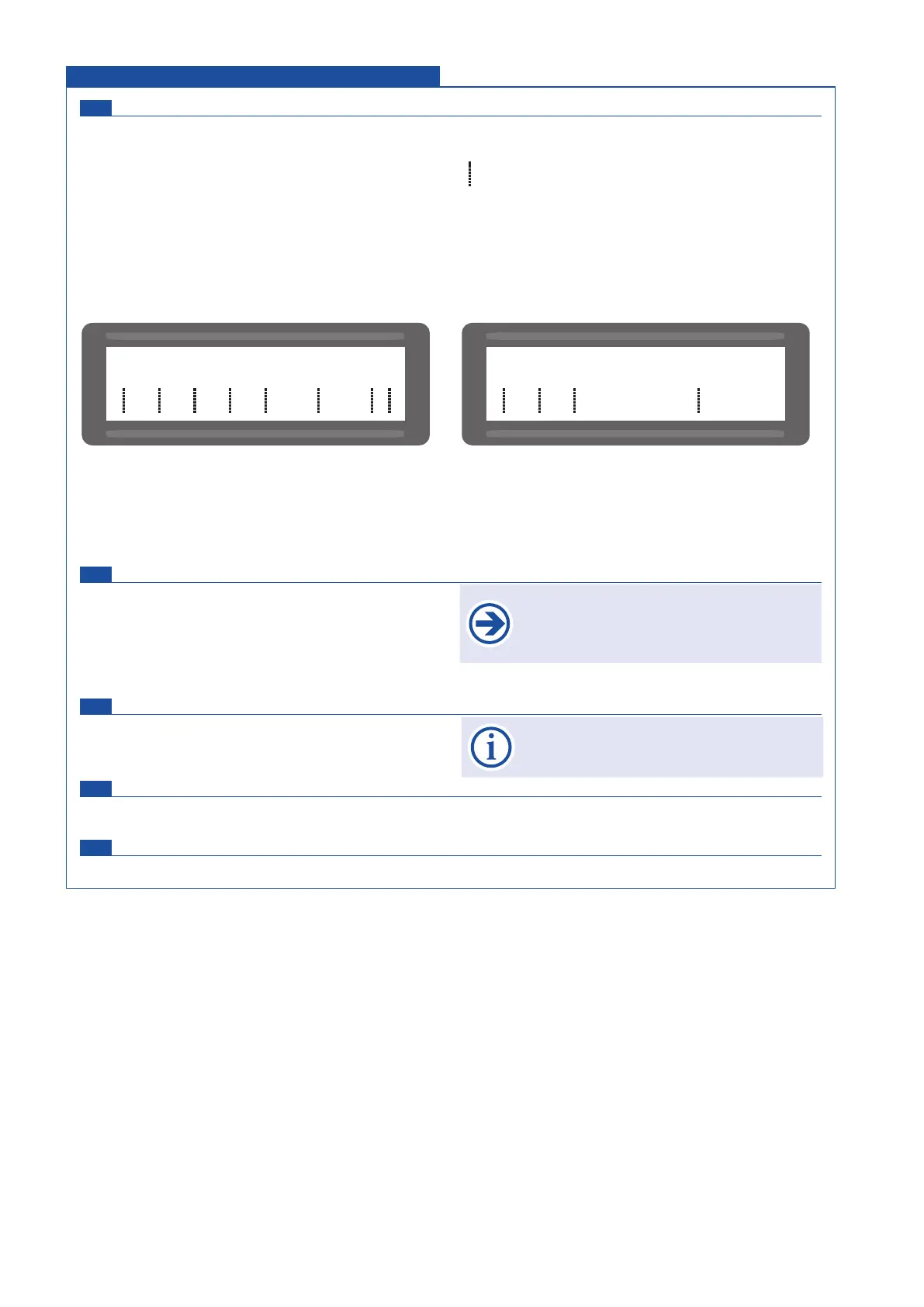
Status display Diagnosis
status display for inputs as photocell, safety sensing edges, stop button, impulse switch ....
I impulse switch
P partial opening switch
C CLOSE-switch
S STOP-switch
Pi photocell inside
Po photocell outside
1 safety edge main closing edge 1
2 safety edge main closing edge 2
Delete position Diagnosis
NO: no deleting of end positions “gate closed” and “gate
open”
YES: the determined end positions are being deleted.
Note: the end positions are being newly determined
after impulse.
Factory setting Diagnosis
NO: no reset to factory setting
YES: reset to factory setting
Software version Diagnosis
shows the software version and the operator type on the text display
Serial number Diagnosis
shows the serial number on the text display
All inputs OK.
e.g.
Diagnosis Connections and adjustments
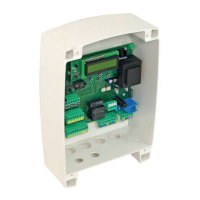
The mechanical stops have to be placed so
that possibly existing safety contact edges
can not be triggered, as this would lead to
an error message.
$$$$$$$$$$$$$$$$
$$$$$$$$$$$$$$$$
I P C S Pi Po 12
$$$$$$$$$$$$$$$$
$$$$$$$$$$$$$$$$
I P C S Pi Po 12
- - x-
Impulse-, pedestrian - and close button not triggered.
STOP-button and photocell inside are triggered.
Photocell outside not triggered.
Contact strip 1 not connected or defect.
contact strip 2 triggered.
$
Status: not triggered
$-
Status: triggered
$x
Status: contact strip not connected or defect
$o
Status: contact strip or photocell deactivated in menu


 To Next Page