4
Chapter 1
Get to Know About Your Router
LED Explanation
Name Status Indication
( 5GHz Wireless)
On The 5GHz wireless band is working properly.
Off The 5GHz wireless band is disabled.
(Internet)
Green On
Internet is available.
Orange On
The router’s Internet port is connected, but the Internet
is not available.
Off
The router’s Internet port is not connected.
(Ethernet)
On At least one Ethernet port is connected.
Off No Ethernet port is connected.
(USB)
On The USB device is identified and ready to use.
Flashing The USB device is being identified.
Off
No USB device is plugged into the USB port or the USB device is not
identified or USB device has been safely ejected.
(WPS)
On/Off
Turns on when a WPS connection is established, and goes off about
5 minutes later.
Flashing
A wireless device is trying to connect to the network via WPS. This
process may take up to 2 minutes.
1. 2. 2. The Back Panel
WPS
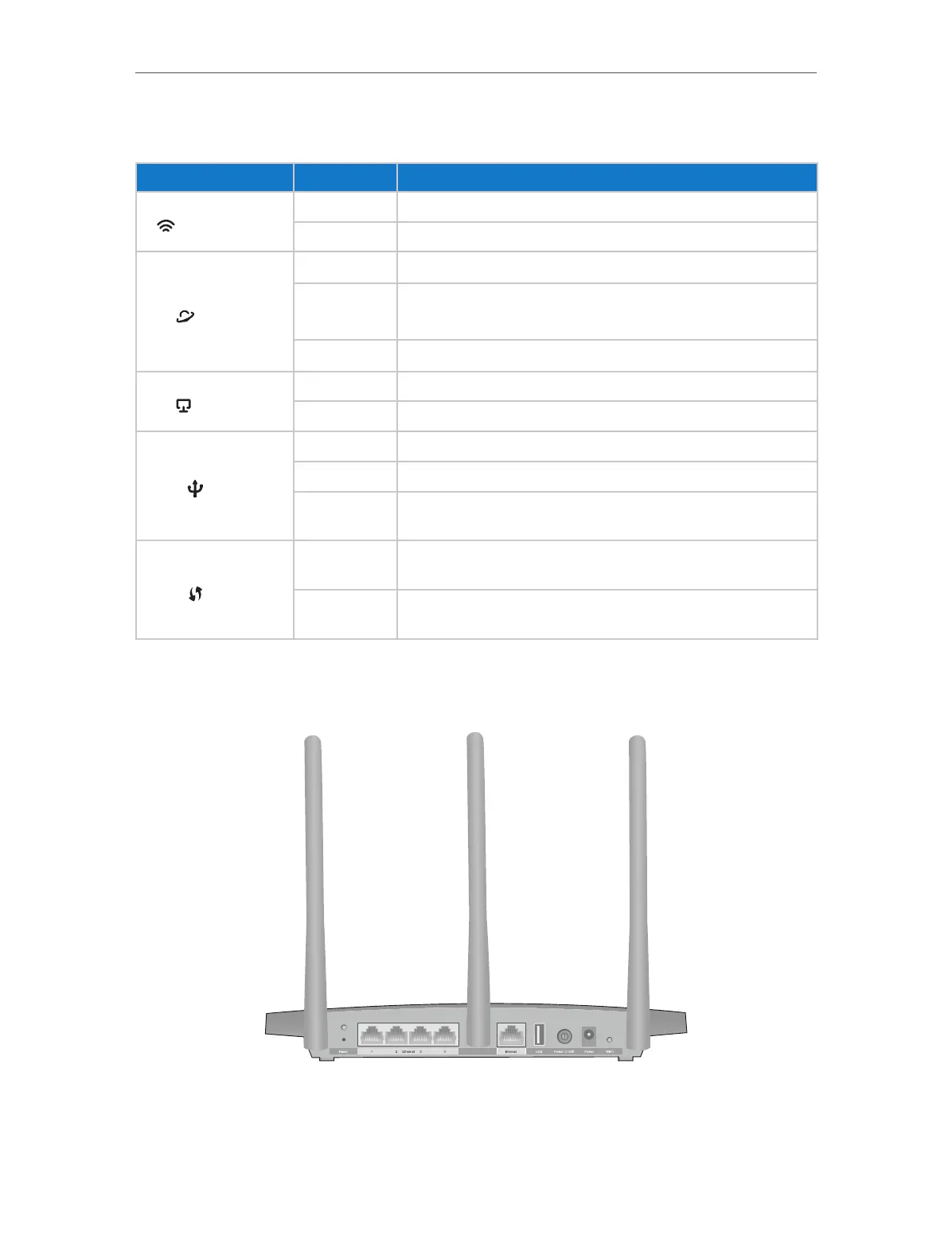
The following parts (view from left to right) are located on the rear panel.














 To Next Page