45
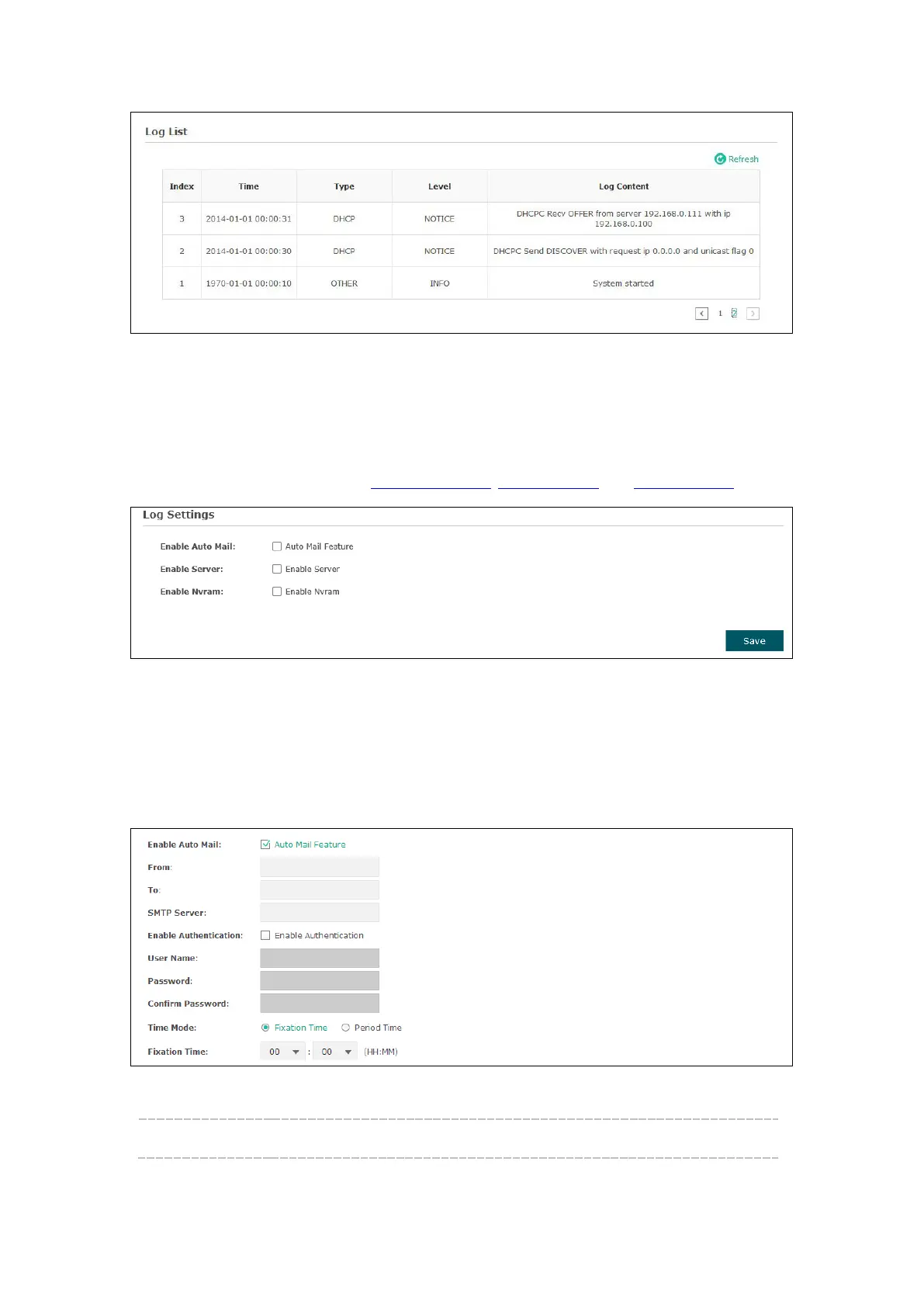
Figure 7-2 Log List
7.1.2 Log Settings
You can choose the way to receive system logs in
zone, where these
parameters can be configured:
Enable Auto Mail, Enable Server and Enable Nvram.
Figure 7-3 Log Settings
Enable Auto Mail
If Auto Mail Feature is enabled, system logs will be sent to a mailbox. The following
content will be shown.
Figure 7-4 Enable Auto Mail
From: Enter the sender’s email address.








 To Next Page