55
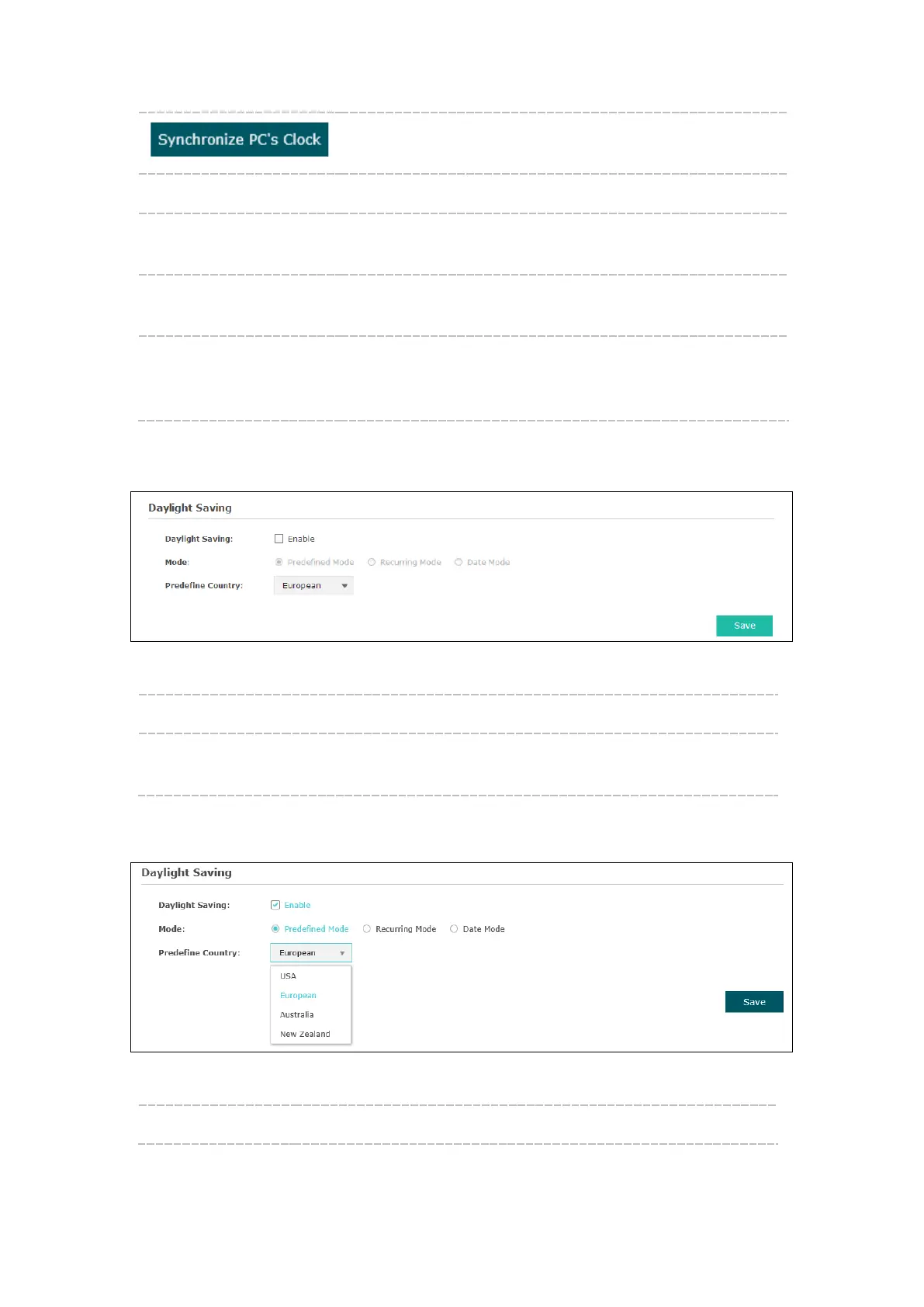
Click the button and save the configuration, your PC’s time will
be obtained as the device’s system time.
Time zone: Select your local time zone from the drop-down list.
Date: Set the current date, in format MM/DD/YYYY. For example, for
November 25, 2014, enter 11/25/2014 in the field.
Time: Specify the device’s time. Select the number from the drop-
down list in time format HH/MM/SS.
Primary/Secondary NTP
Server:
If you’ve selected Get GMT from an NTP server, please input
the primary NTP sever address and an alternative NTP server
address.
8.2.2 Daylight Saving
Figure 8-4 Daylight Saving
Daylight Saving: Enable or disable the DST. DST is disabled by default.
Mode: Options include Predefined Mode, Recurring Mode and Date Mode.
Please refer to the following content for more information.
Predefined Mode
Figure 8-5 Predefined Mode
Mode: Select Predefined Mode.








 To Next Page