3
To deploy the EAP in your local network, a DHCP server is required to assign IP
addresses to the EAP and clients. Typically, a router acts as the DHCP server. A
computer running the EAP Controller software can locate in the same or different subnet
with the EAPs.
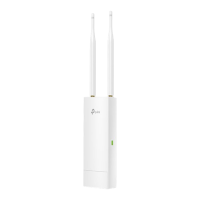
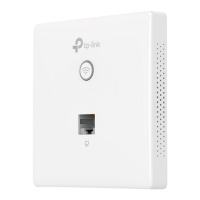
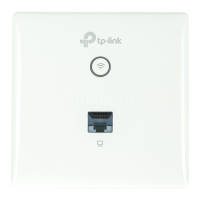
The EAP can be managed by the EAP Controller software, which is a management
software specially designed for the TP-Link EAP devices on a local wireless network,
allowing you to centrally configure and monitor mass EAP devices using a web browser
on your PC. For more information about the EAP Controller, please find the EAP
Controller User Guide from our official website:
http://www.tp-link.com/en/support/download/








 To Next Page