9
Chapter 2
Connect the Hardware
1 ) Turn off your modem, if any, and remove the backup battery if it has one.
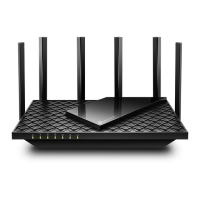
2 ) Place the router horizontally and orient the antennas vertically.
If your internet comes from an Ethernet outlet instead of a DSL / Cable / Satellite modem,
connect the router’s 10 GHz WAN/LAN port to it, then follow steps 3 and 4 to complete
the hardware connection.
1. Connect the powered-off modem to the router’s 10 Gbps Internet port with an
Ethernet cable.
Internet
2. Power on the modem, and then wait about 2 minutes for it to restart.
3. Connect the power adapter to the router. Then press the On/Off button to turn it on.
4. Verify that the hardware connection is correct by checking the following LEDs.
5. Connect your computer to the router.
• Method 1: Wired
Turn off the Wi-Fi on your computer and connect the devices to the LAN port of your
router.
• Method 2: Wirelessly
1 ) Find the SSIDs (Network Names) and Wireless Password printed on the label at
the bottom of the router.
2 ) Click the network icon of your computer or go to Wi-Fi Settings of your smart
device, and then select the SSID to join the network.











 To Next Page