132
Chapter 17
Manage the Router
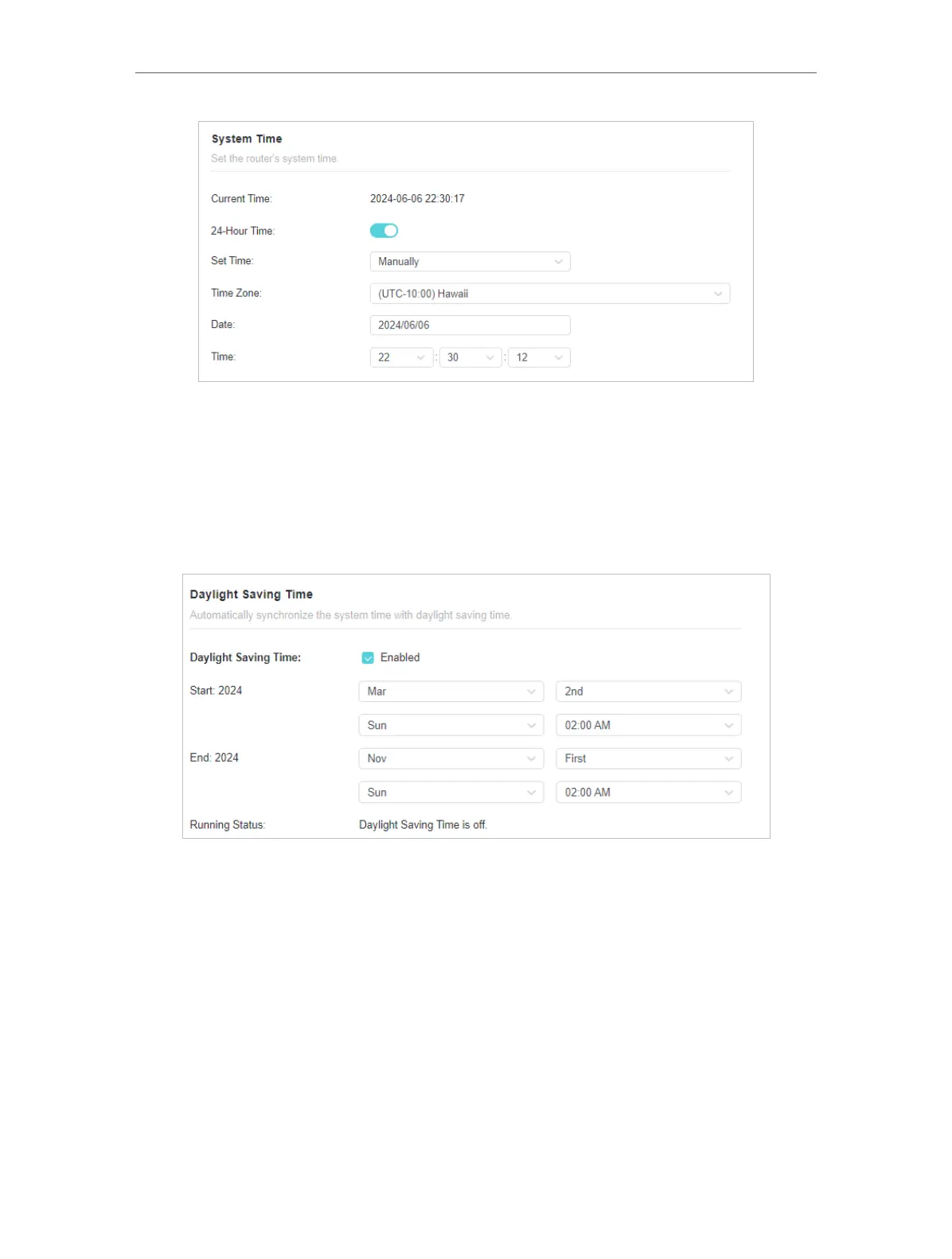
2. Set the current Date (In MM/DD/YYYY format).
3. Set the current Time (In HH/MM/SS format).
4. Click SAVE .
• To set Daylight Saving Time:
1. Tick the Enable box of Daylight Saving Time.
2. Select the correct Start date and time when daylight saving time starts at your local
time zone.
3. Select the correct End date and time when daylight saving time ends at your local
time zone.
4. Click SAVE .
17. 10. Set the Router to Reboot Regularly
The Scheduled Reboot feature cleans the cache to enhance the running performance
of the router.













 To Next Page