52
Chapter 10
USB Settings
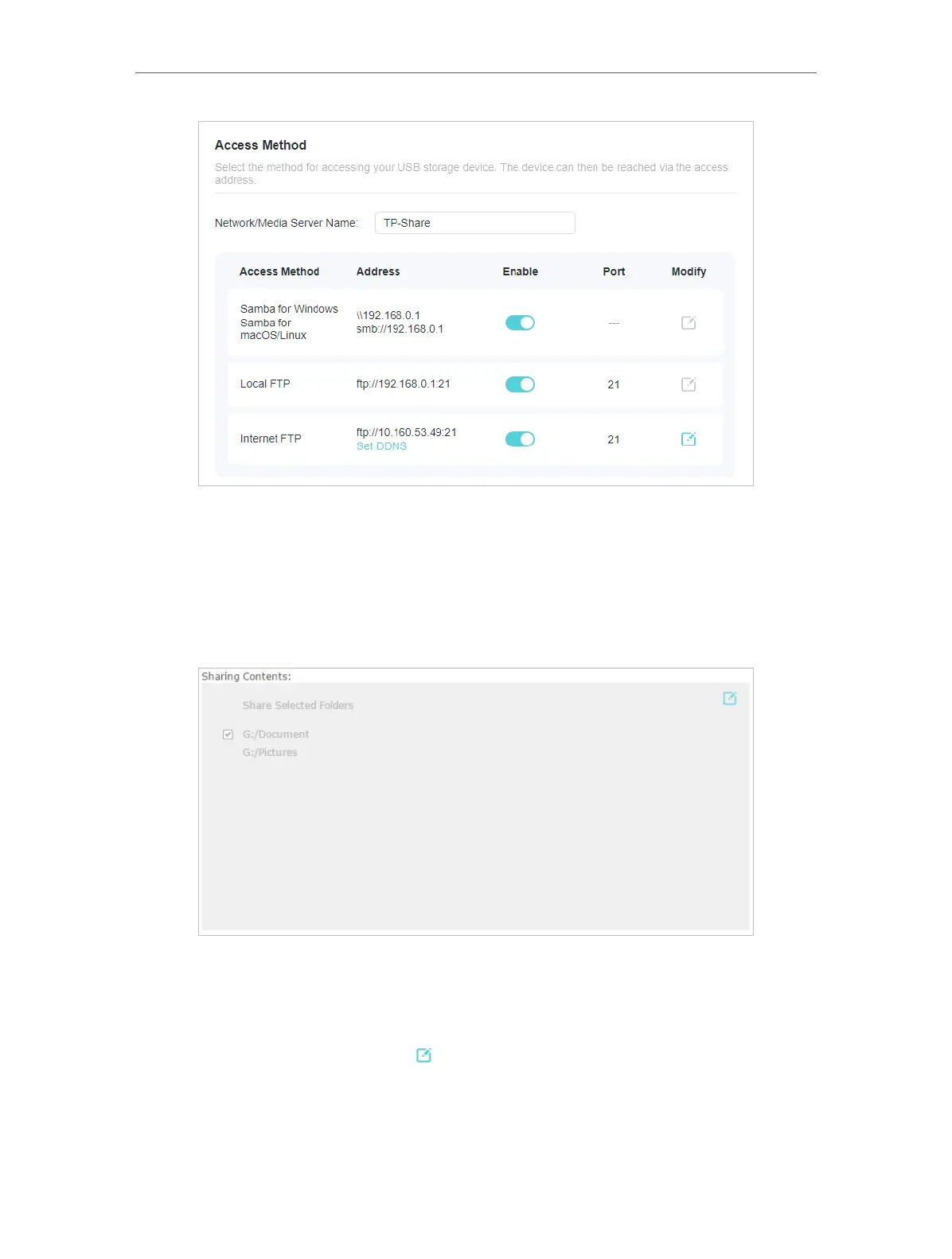
2. Now you can access the USB storage device by visiting \\MyShare (for Windows) or
smb://MyShare (for Mac).
• To Only Share Specific Content
Focus on the File Sharing section. Specify sharing folders that you want to share and
click SAVE .
• To Customize the authentication settings
By default, Secure Sharing is enabled. You can find and edit the sharing username and
password for authentication to access your USB storage device.
In the Secure Sharing section, click to modify the access account, and pay attention
to the default username and password. Accessing as an administrator can read and
modify the shared folders while visitors can only read the shared folders.










 To Next Page