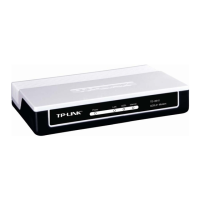
TD-8610 ADSL2+ MODEM
12
¾ When you want to access the Internet by ADSL, double-click this shortcut of dial
connection on your desktop. Enter the account name and password, and click Connect to
connect the Internet.
How do I set up the connection in the Windows Vista?
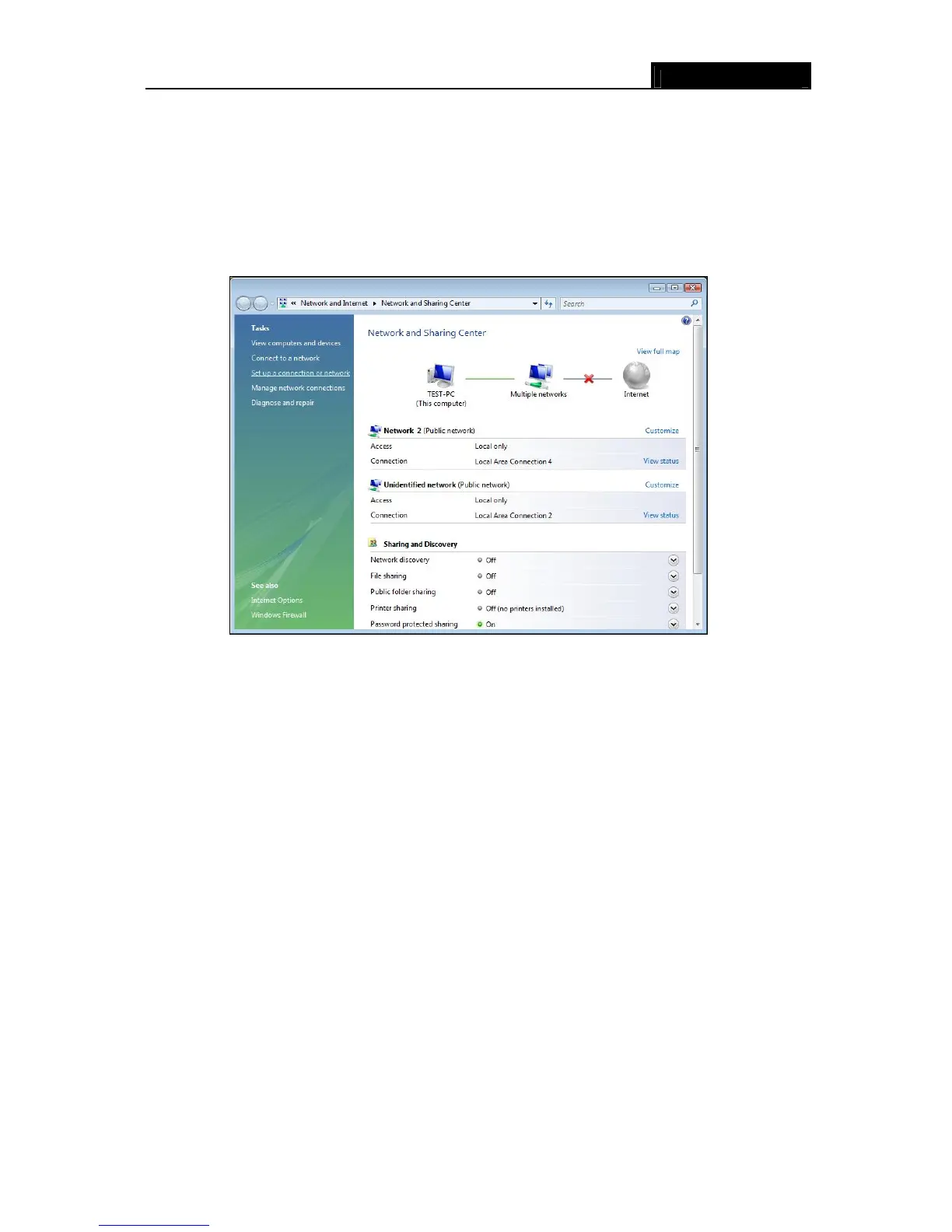
¾ Users of Windows Vista can do as follows: Right-press NetworkÆChoose Properties,
then you can see Figure 3-9.
Figure 3-9
¾ Click “Set up a connection or network” in the left of this page. And choose “Set up a
dial-up connection” in the new page; click Next. After that, you will see Figure 3-10; click
“Set up a connection any
way” to enter next page.




 To Next Page