4
■
Place the device with its bottom surface downward.
■
Site Requirements
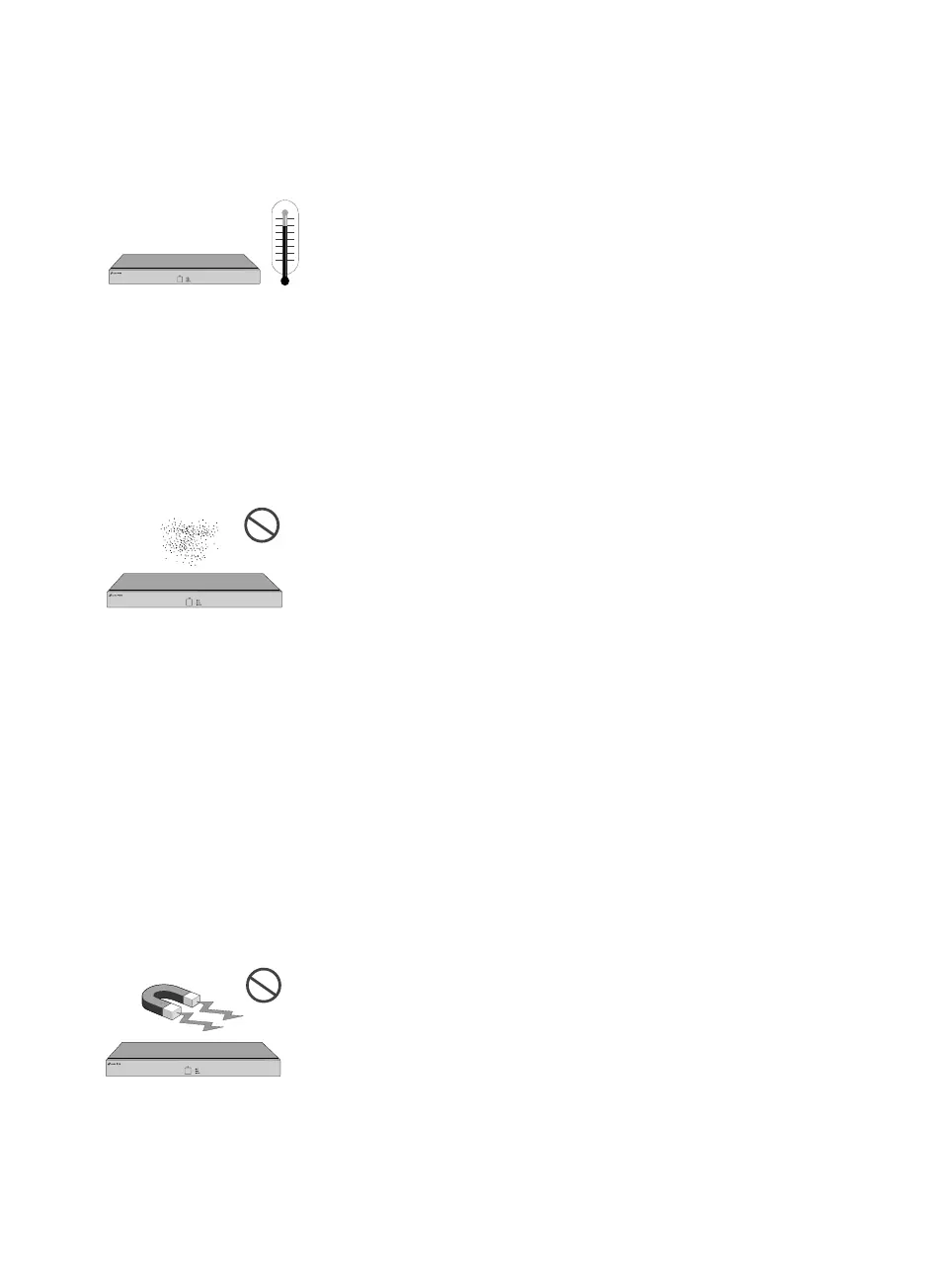
Temperature/Humidity
32 Channel Network Video Recorder
VIGI NVR4032H
Keep the equipment room at an appropriate level of temperature and
humidity. Too much or too little humidity may lead to bad insulation,
leakage of electricity, mechanical property changes, and corrosion.
High temperatures may accelerate aging of the insulation materials,
significantly shortening the service life of the device.
Clearness
32 Channel Network Video Recorder
VIGI NVR4032H
The dust accumulated on the device can be absorbed by static electricity
and result in poor contact of metal contact points. Some measures have
been taken for the device to prevent static electricity, but too strong
static electricity can cause deadly damage to the electronic elements on
the internal circuit board. To avoid the effect of static electricity on the
operation of the device, attach much importance to the following items:
■
Dust the device regularly, and keep the indoor air clean.
■
Keep the device well grounded and ensure that the static electricity has
been transferred.
Electromagnetic Interference
32 Channel Network Video Recorder
VIGI NVR4032H
Electronic elements including capacitance and inductance on the device
can be affected by external interferences, such as conducted emission



 To Next Page