TracVision M3 User’s Guide
21
Chapter 3 - System Preferences
Adjusting the Display Brightness
Follow the steps below to adjust the brightness of the interface box
display.
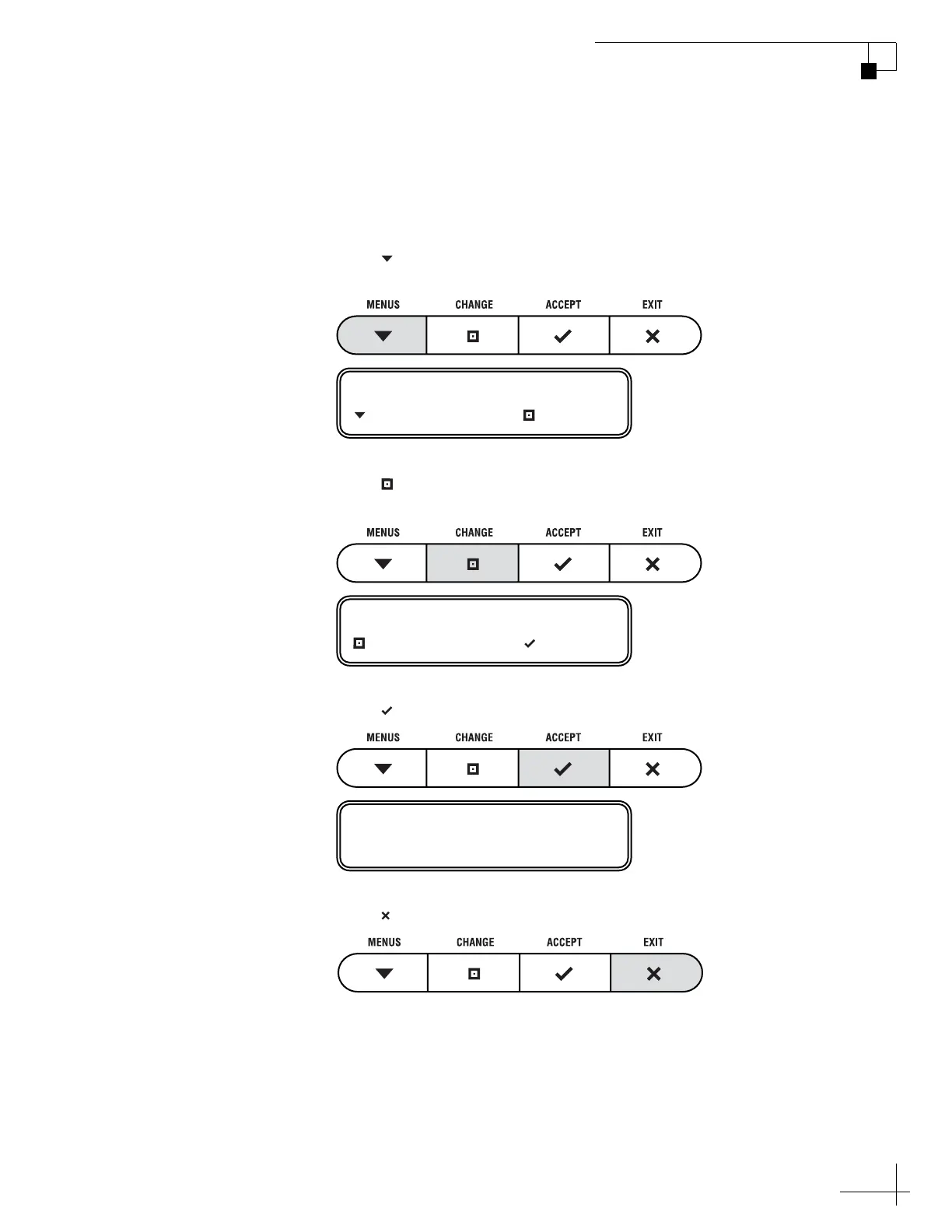
1. Press MENUS until the display shows
“BRIGHTNESS.”
2. Press CHANGE until the display shows the desired
setting: HIGH, MEDIUM, or LOW.
3. Press ACCEPT.
4. Press EXIT to exit the menu.
BRIGHTNESS= HIGH
NEXT MENU CHANGE
BRIGHTNESS= MEDIUM?
CHANGE ACCEPT
BRIGHTNESS= MEDIUM



 To Next Page