TracVision M3 User’s Guide
34
Chapter 4 - Setup
Resetting the System to Change Setup
If you need to change the antenna’s setup to track a different satellite,
follow the steps below to reset the system. Once the system has reset to
its factory condition, you will be able to complete an initial setup as
described earlier in this chapter.
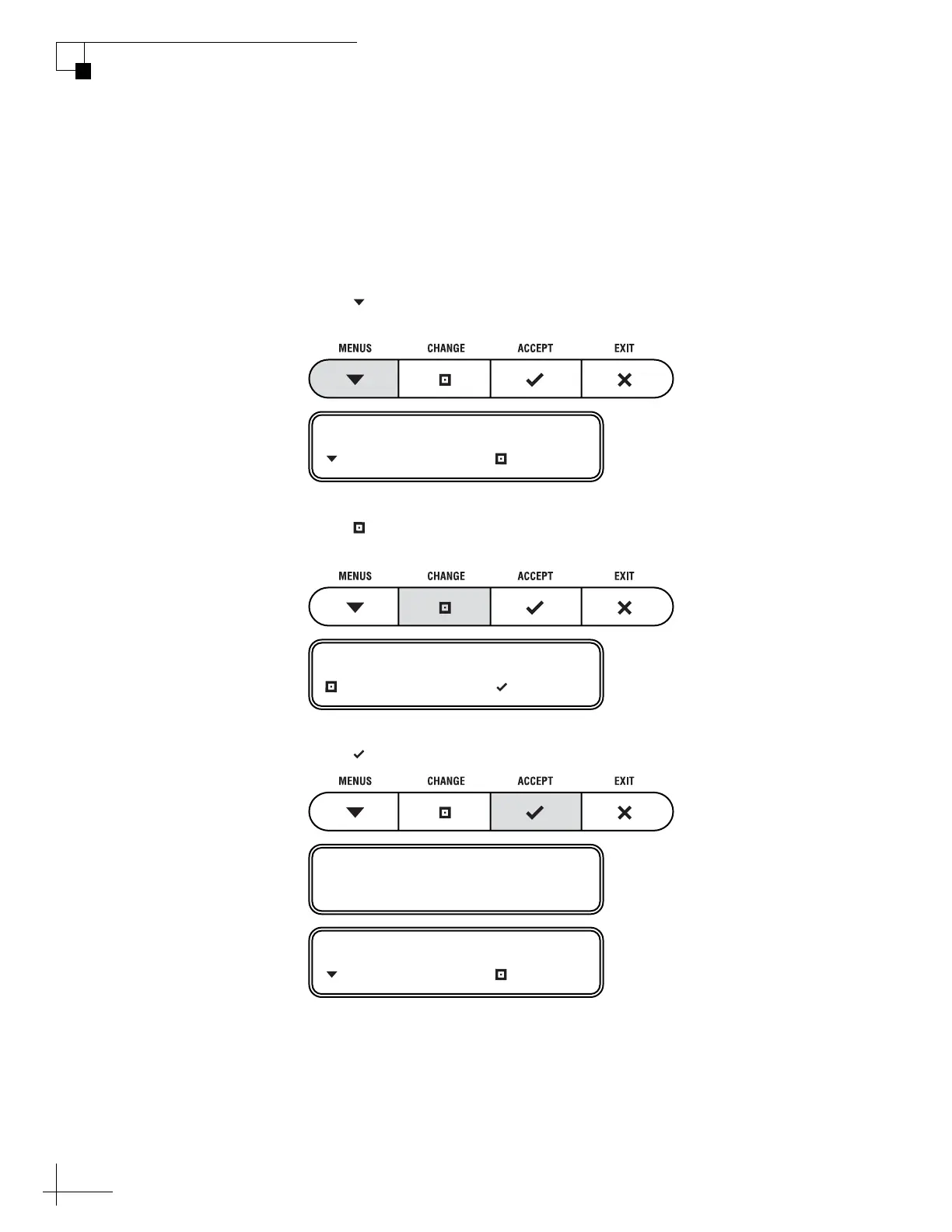
1. Press MENUS until the display shows
“DIAGNOSTICS.”
2. Press CHANGE until the display shows
“DIAGNOSTICS= YES.”
3. Press ACCEPT to enter the Diagnostics menu.
DIAGNOSTICS= NO
NEXT MENU CHANGE
DIAGNOSTICS= YES?
CHANGE ACCEPT
ENTERING DIAGNOSTICS
SYSTEM RESET= NO
NEXT MENU CHANGE



 To Next Page