TracVision M3 User’s Guide
46
Chapter 5 - Troubleshooting
Viewing System Information
You can view the TracVision system’s software versions and serial
numbers on the interface box display. Follow the steps below to
display the system information.
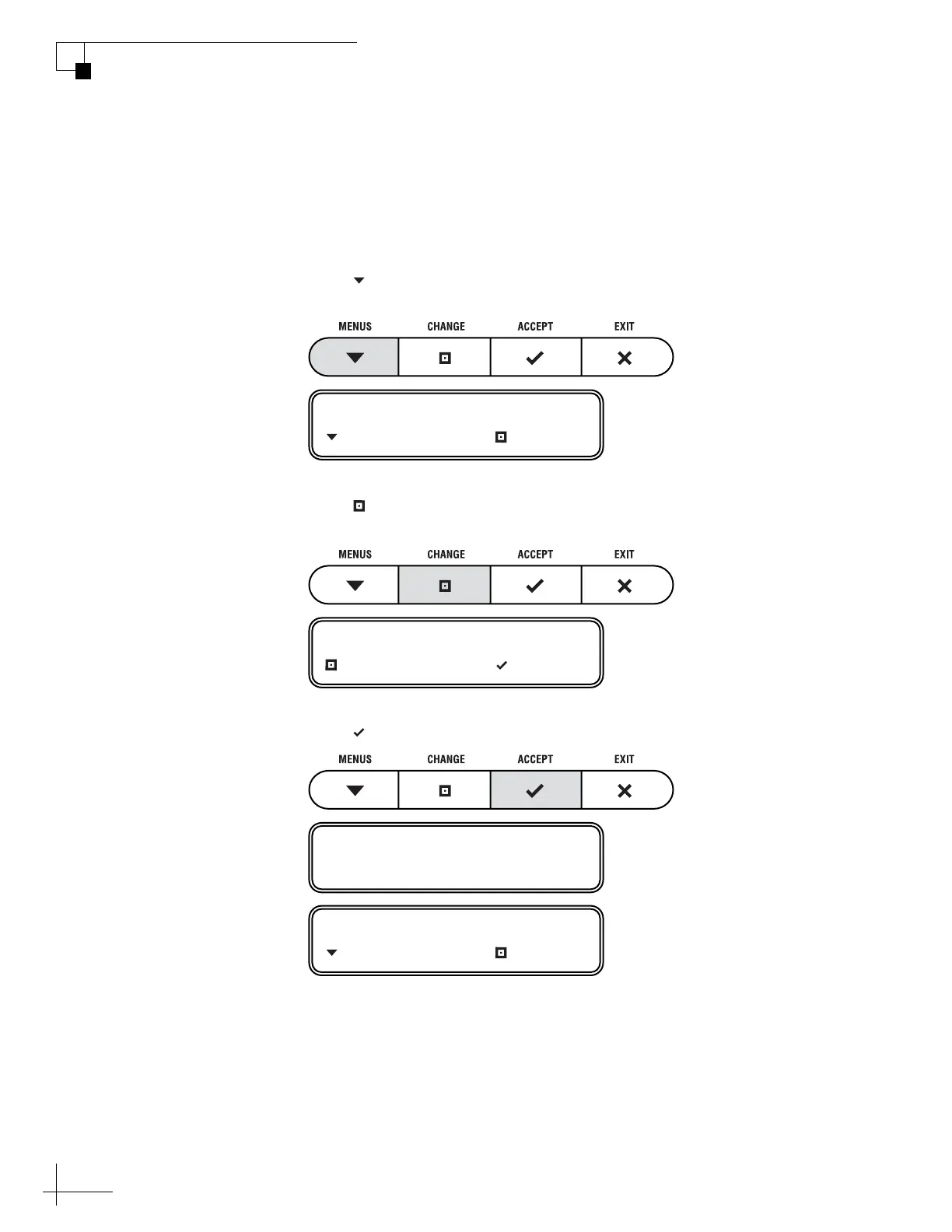
1. Press MENUS until the display shows
“DIAGNOSTICS.”
2. Press CHANGE until the display shows
“DIAGNOSTICS= YES.”
3. Press ACCEPT to enter the Diagnostics menu.
DIAGNOSTICS= NO
NEXT MENU CHANGE
DIAGNOSTICS= YES?
CHANGE ACCEPT
ENTERING DIAGNOSTICS
SYSTEM RESET= NO
NEXT MENU CHANGE



 To Next Page