TracVision M3 User’s Guide
42
Chapter 5 - Troubleshooting
Running the Diagnostics Test
In addition to the front panel status lights, the interface box includes a
self-test function within its Diagnostics menu. Follow the steps below
to run this test.
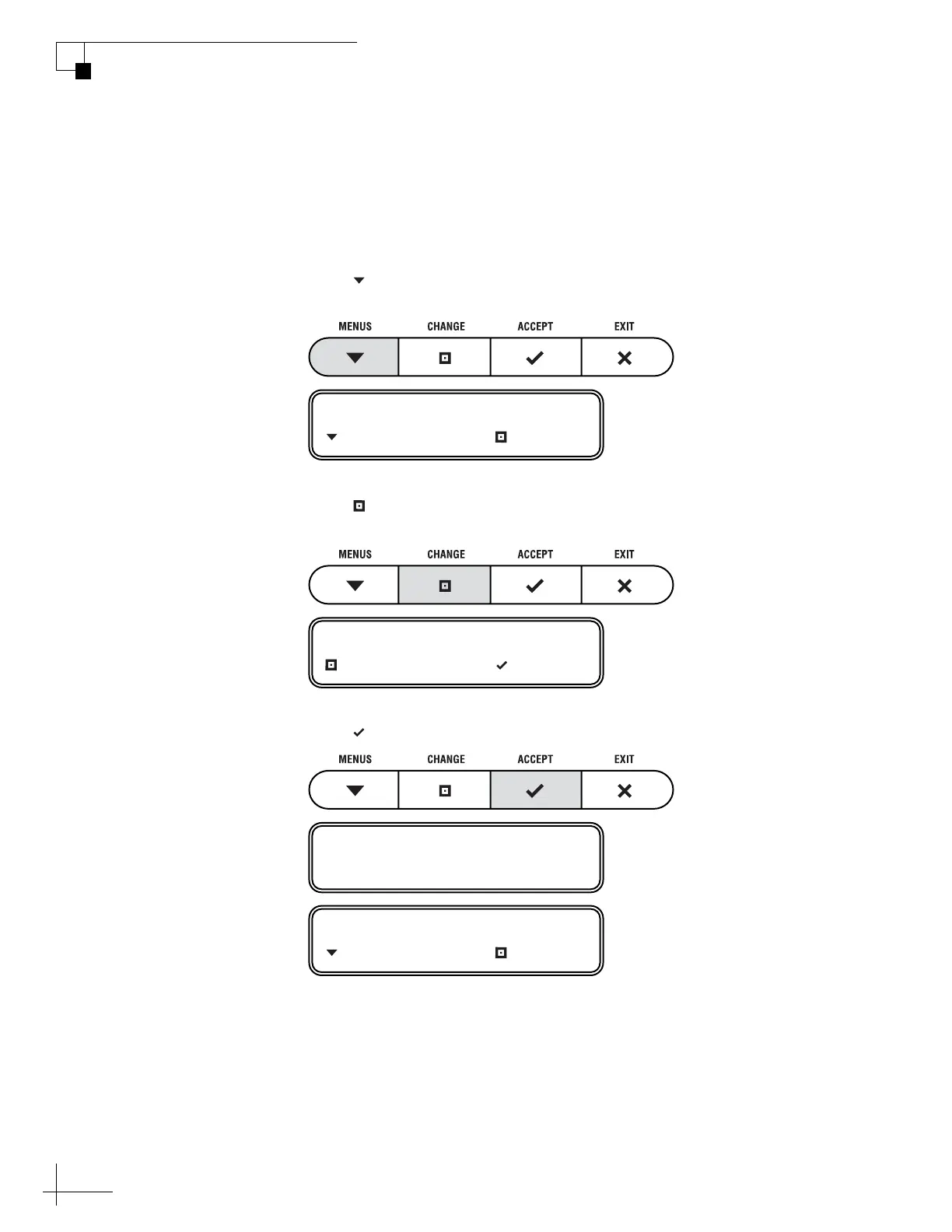
1. Press MENUS until the display shows
“DIAGNOSTICS.”
2. Press CHANGE until the display shows
“DIAGNOSTICS= YES.”
3. Press ACCEPT to enter the Diagnostics menu.
DIAGNOSTICS= NO
NEXT MENU CHANGE
DIAGNOSTICS= YES?
CHANGE ACCEPT
ENTERING DIAGNOSTICS
SYSTEM RESET= NO
NEXT MENU CHANGE



 To Next Page