TracVision M3 User’s Guide
43
Chapter 5 - Troubleshooting
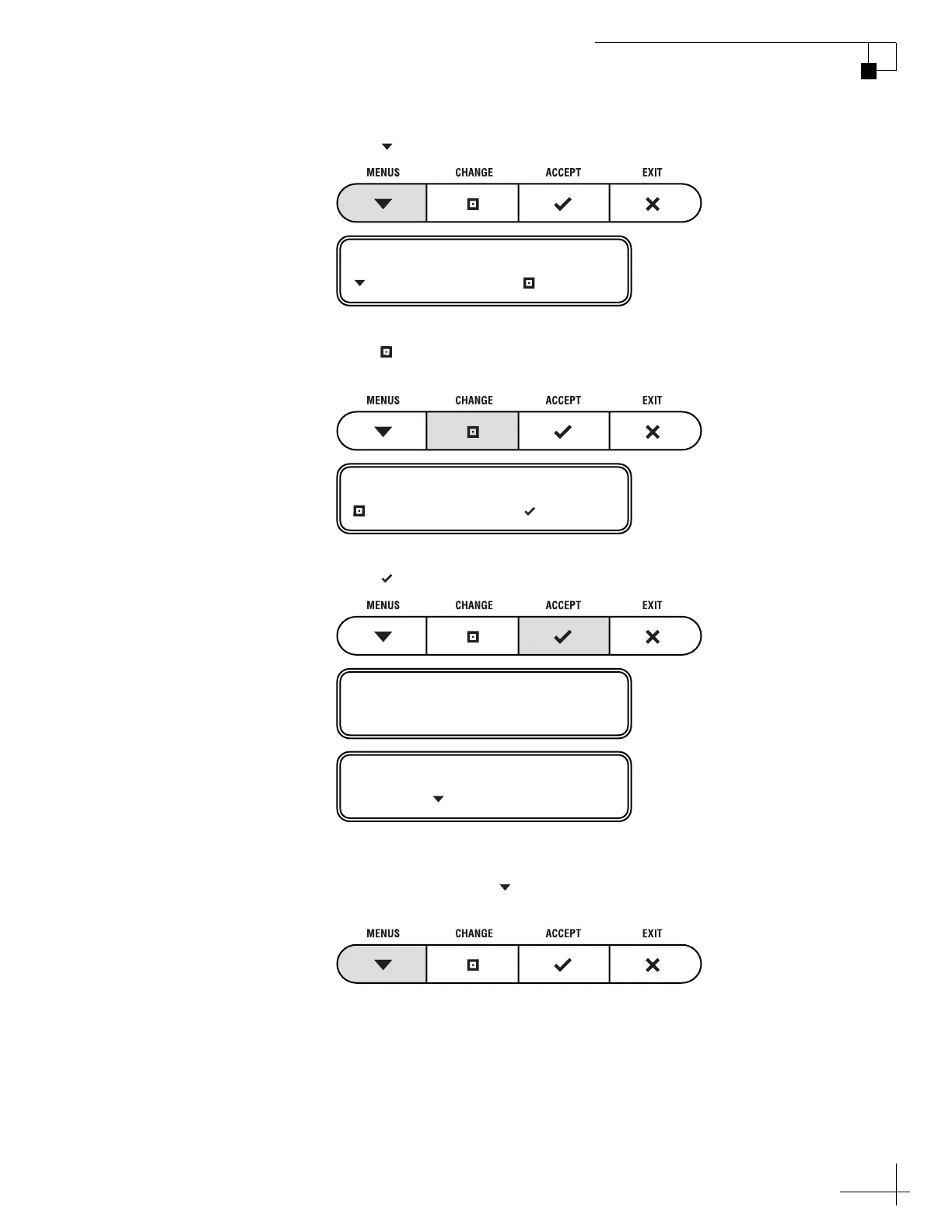
4. Press MENUS until the display shows “RUN TEST.”
5. Press CHANGE until the display shows “RUN TEST=
YES.”
6. Press ACCEPT to begin the test.
7. Once the test is complete, the display shows the
antenna status. Press MENUS to scroll through the
remaining status messages.
RUN TEST= NO
NEXT MENU CHANGE
RUN TEST= YES?
CHANGE ACCEPT
RUNNING TEST
ANTENNA: TRACKING
PRESS TO CONTINUE



 To Next Page