TracVision M3 User’s Guide
49
Chapter 5 - Troubleshooting
Changing the Satellite Switching Mode
During normal operation, the antenna automatically switches satellites
as you change channels using the receiver’s remote control. However,
if you want to manually select a satellite instead, the interface box
allows you to switch from automatic to manual switching (you can
also switch back to automatic switching using this same menu
function).
NOTE: This function is normally used by technicians for troubleshooting
purposes only.
Follow the steps below to change the satellite switching mode.
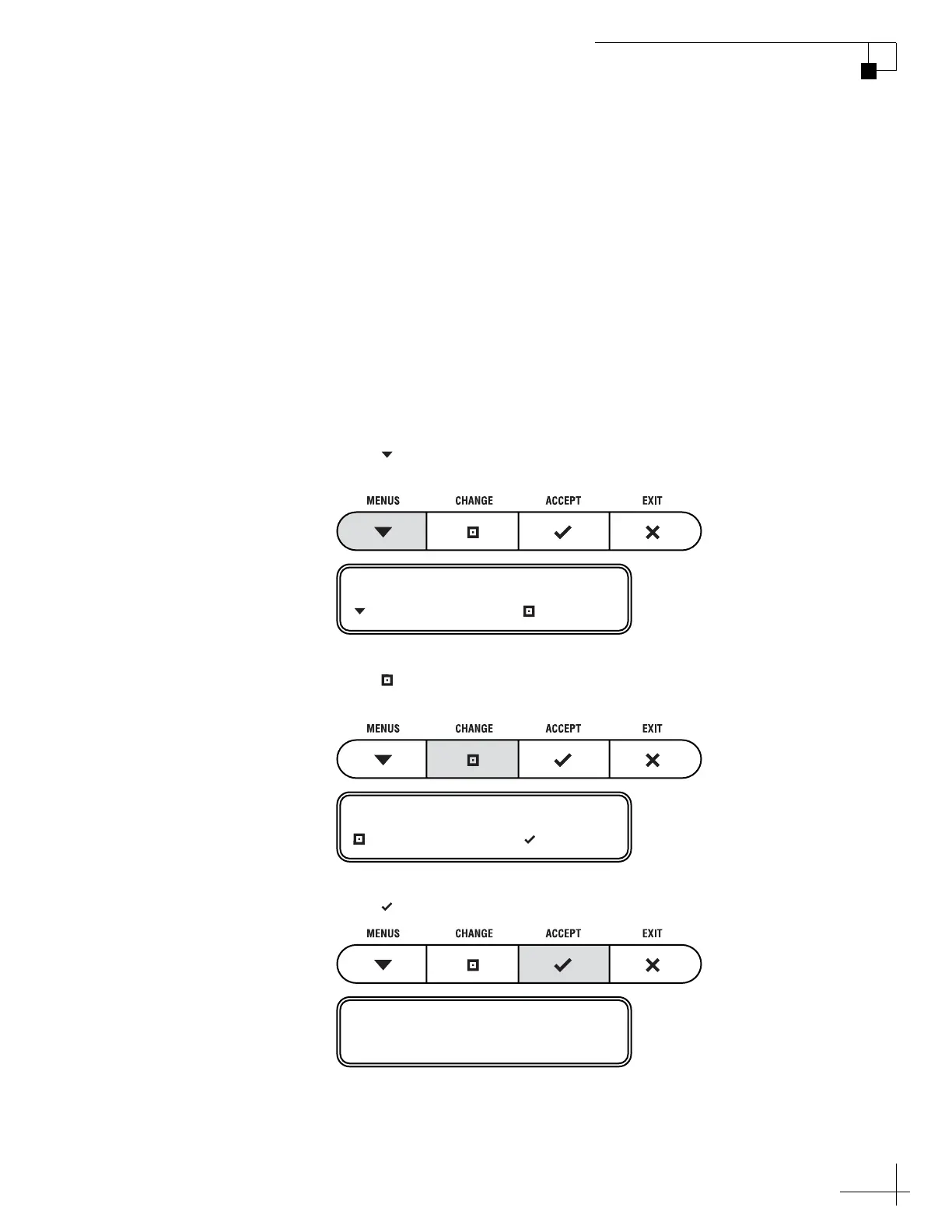
1. Press MENUS until the display shows
“DIAGNOSTICS.”
2. Press CHANGE until the display shows
“DIAGNOSTICS= YES.”
3. Press ACCEPT to enter the Diagnostics menu.
DIAGNOSTICS= NO
NEXT MENU CHANGE
DIAGNOSTICS= YES?
CHANGE ACCEPT
ENTERING DIAGNOSTICS



 To Next Page