TracVision M3 User’s Guide
27
Chapter 4 - Setup
Selecting Satellites to Track
Follow the steps below to set up the TracVision system to track the
satellites of your choice.
NOTE: If the status screen does not show “System Needs Setup,” follow the
steps in “Resetting the System to Change Setup” on page 34.
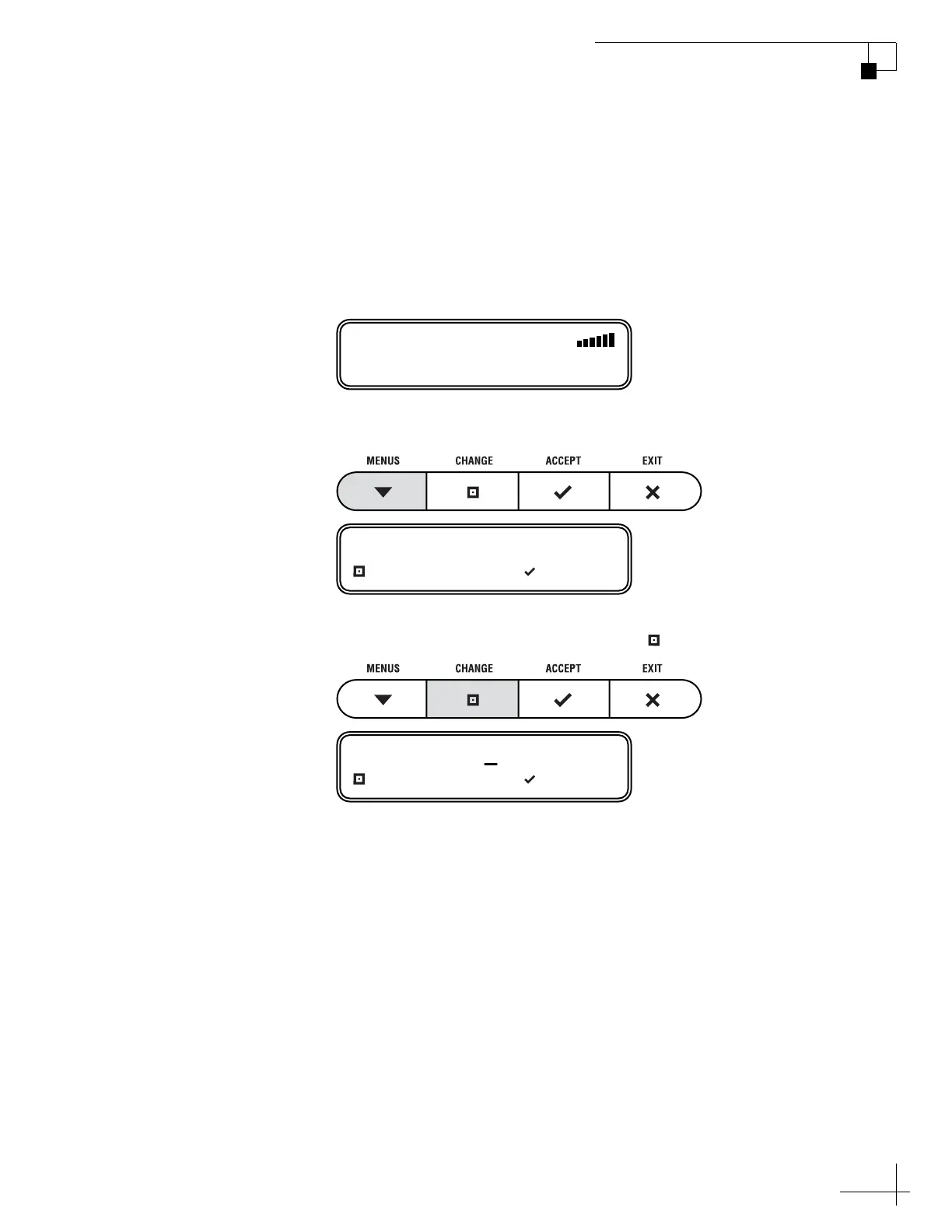
1. Press any button to begin the setup process.
2. The display shows “LAT/LONG.” Press CHANGE.
Now you need to enter your vessel’s latitude and longitude so
that the antenna can calculate the proper LNB skew setting for
your position. The antenna will also use this position
information to speed up satellite acquisition.
ASTRA1
SYSTEM NEEDS SETUP
LAT/LONG= 41N, 071W?
CHANGE ACCEPT
LAT/LONG= 41N, 071W
CHANGE ACCEPT



 To Next Page