TracVision M3 User’s Guide
28
Chapter 4 - Setup
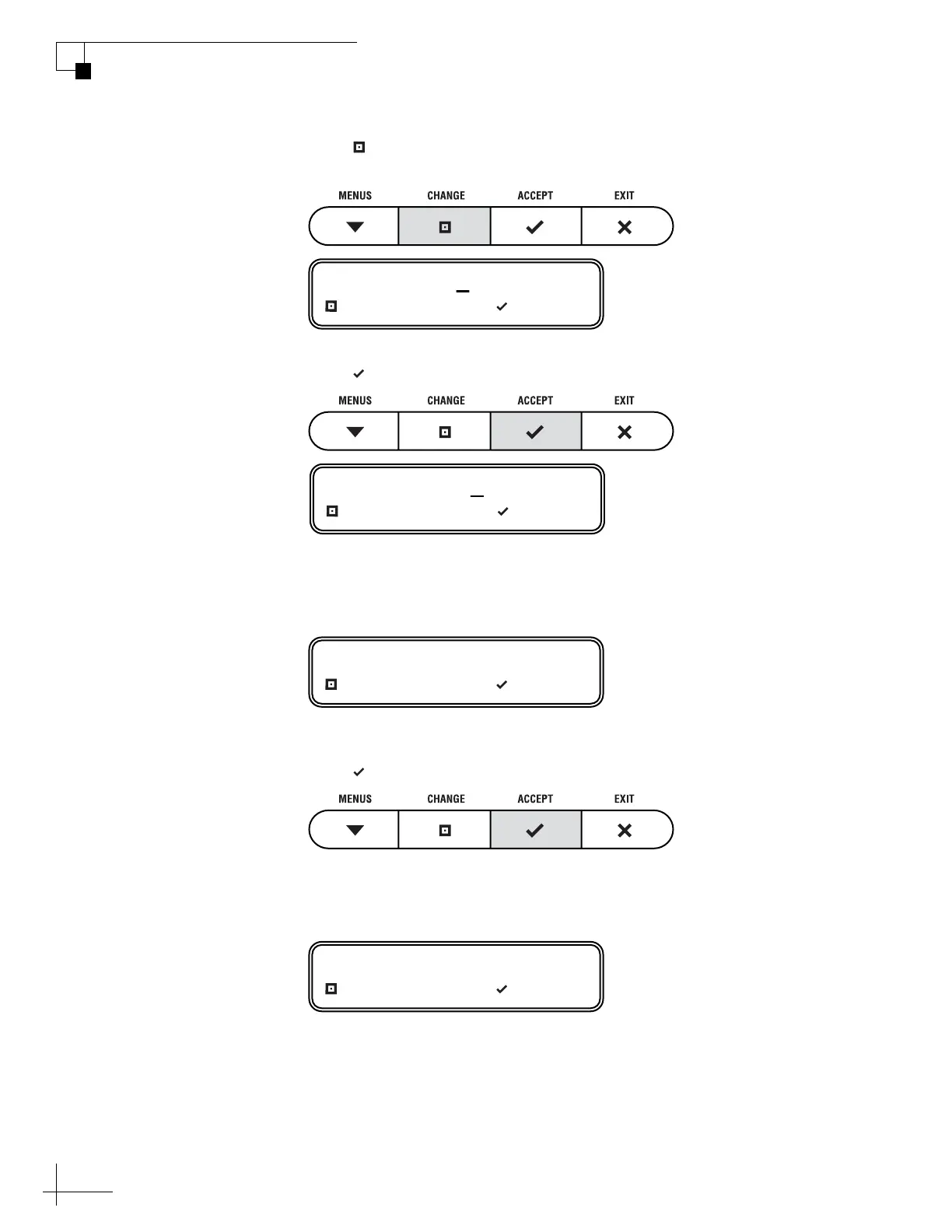
3. Press CHANGE until the number at the cursor is set
to the first digit of your vessel’s latitude.
4. Press ACCEPT. The cursor moves to the next number.
5. Repeat steps 3 and 4 to set the remaining digits (plus
North/South and East/West directions) of your
latitude and longitude.
6. Once you have set each digit of latitude and longitude,
press ACCEPT.
Now you need to select the satellite(s) you want the antenna to
install and track.
LAT/LONG= 51N, 071W
CHANGE ACCEPT
LAT/LONG= 51N, 071W
CHANGE ACCEPT
LAT/LONG= 55N, 012E?
CHANGE ACCEPT
SAT 1= ASTRA1?
CHANGE ACCEPT



 To Next Page