TracVision M3 User’s Guide
29
Chapter 4 - Setup
You can choose up to four different satellites from the
following list:
NOTE: If the satellite you wish to track is not listed above, you can
set up a special user-defined satellite (USER A or USER B). See
“Programming User-Defined Satellites” on page 67 for details.
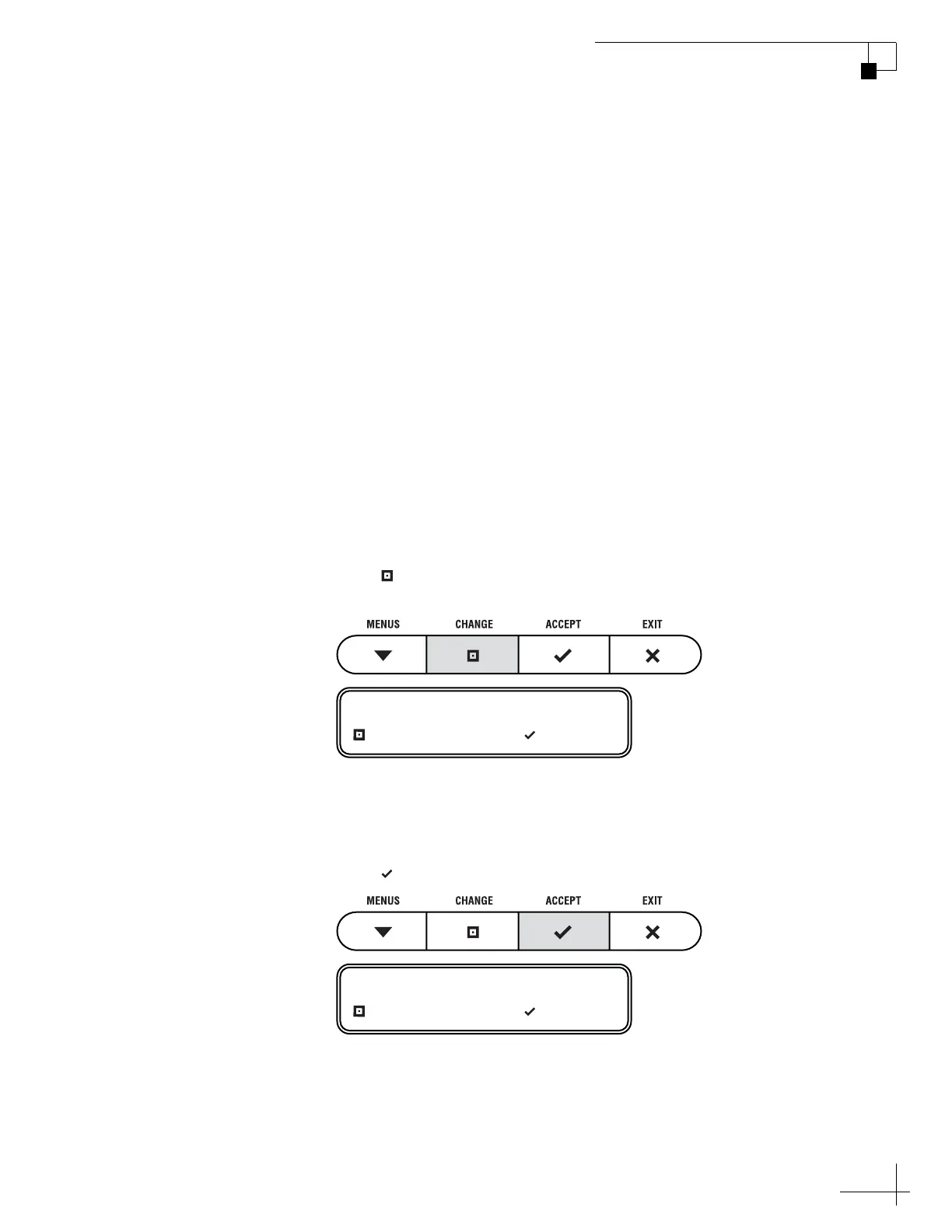
7. Press CHANGE until the display shows the first
(primary) satellite you want to install.
NOTE: The display might show additional satellites not listed above.
However, at this time, the TracVision M3 system supports only the
satellites specified above.
8. Press ACCEPT.
•ARABSAT
•ASTRA 1
•ASTRA 2N
•ASTRA 2S
• EUTEL W3A
•HISPASAT
•HOTBIRD
•HOTBIRD WB
• NILESAT
•OPTUS B1
• OPTUS C1
•PAS 9
• SIRIUS
•THOR
• TURKSAT 1C
SAT 1= HOTBIRD?
CHANGE ACCEPT
SAT 2= NONE?
CHANGE ACCEPT



 To Next Page