TracVision M3 User’s Guide
22
Chapter 3 - System Preferences
Entering Latitude/Longitude
Follow the steps below to enter your vessel’s latitude and longitude
into the system. The antenna will use your position information to
speed up satellite acquisition. (If the antenna knows where you are
located, it knows where it should start looking for the satellite.) The
antenna will also use this position information to calculate the correct
LNB skew angle.
KVH recommends that you re-enter your latitude/longitude
whenever you travel more than 600 km (400 mi) away from the last
position you entered. (The interface box displays the last entered
position during system startup.) Once you have entered a new
position following the steps below, check the updated skew angle that
the interface box displays during restart. If the reported skew angle
differs by more than 5 degrees from the LNB’s current skew angle,
you should adjust the antenna’s LNB to the new skew angle to
optimize satellite reception. See “Setting the LNB Skew Angle” on
page 31.
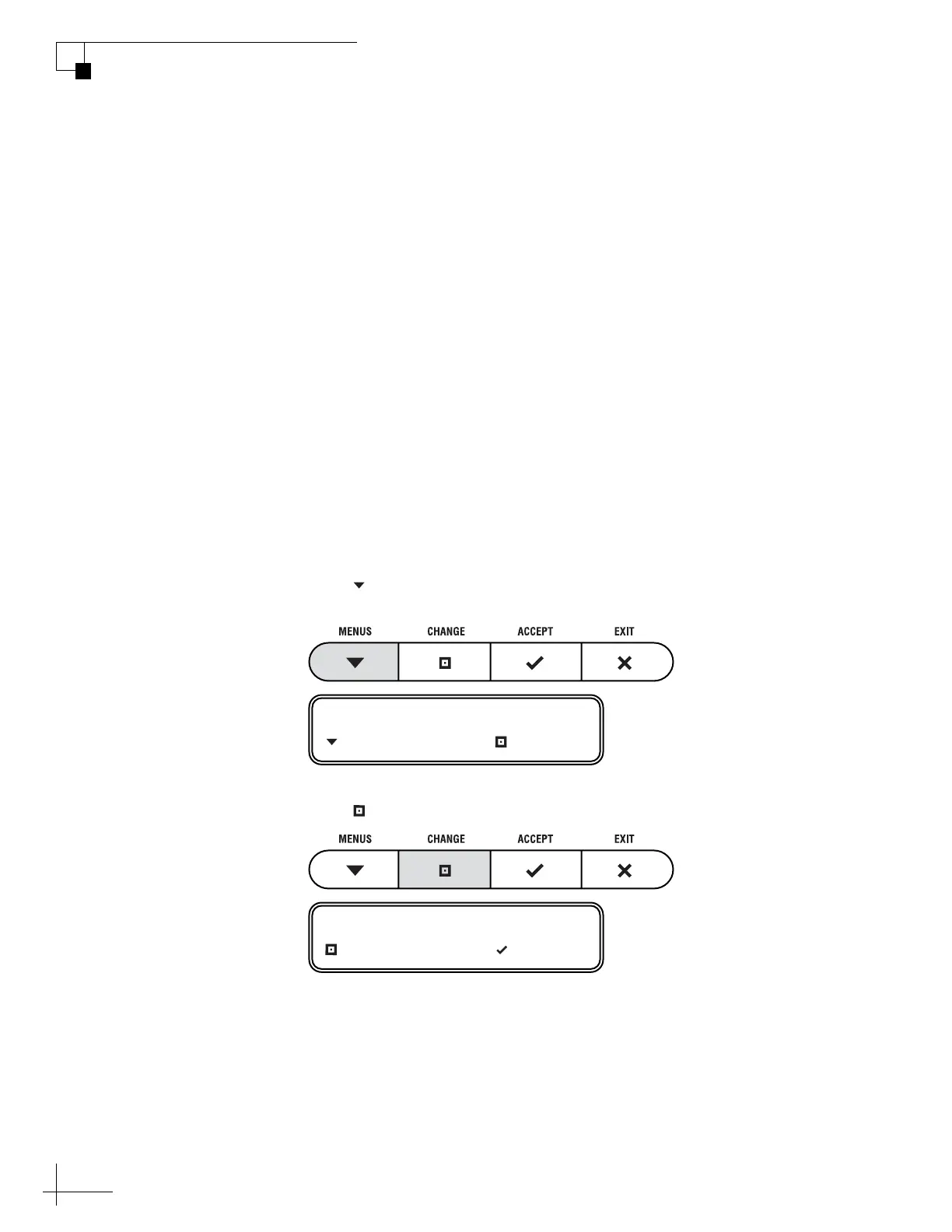
1. Press MENUS until the display shows “LAT/
LONG.”
2. Press CHANGE.
LAT/LONG= 41N, 071W
NEXT MENU CHANGE
LAT/LONG= 41N, 071W?
CHANGE ACCEPT



 To Next Page