TracVision M3 User’s Guide
35
Chapter 4 - Setup
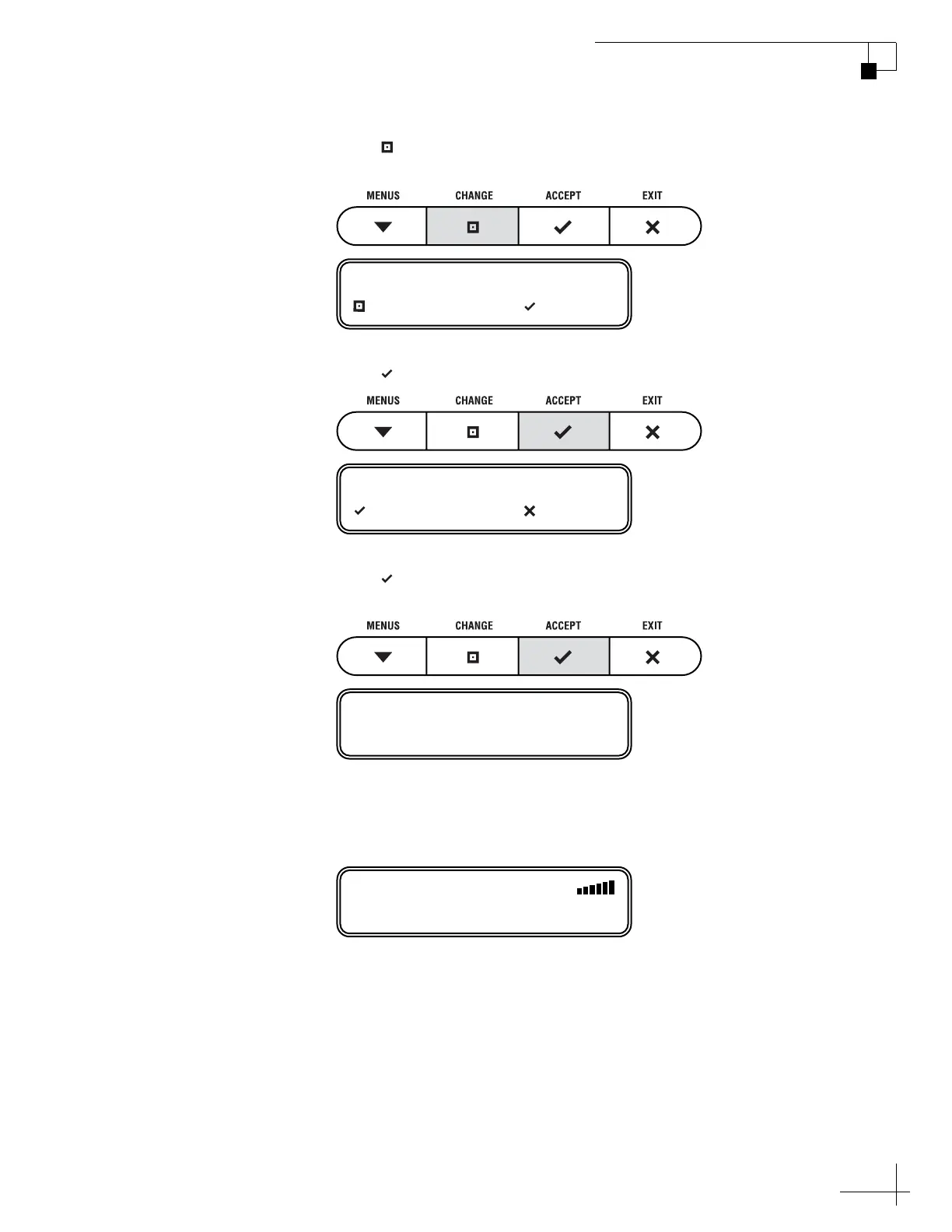
4. Press CHANGE until the display shows “SYSTEM
RESET= YES.”
5. Press ACCEPT.
6. Press ACCEPT again to reset the system. Wait one
minute for system startup.
7. When the display shows the status screen, set up the
system for the desired satellites. See “Selecting
Satellites to Track” on page 27 for details.
SYSTEM RESET= YES?
CHANGE ACCEPT
RESET TO FACTORY?
ACCEPT EXIT
SYSTEM RESET
ASTRA1
SYSTEM NEEDS SETUP



 To Next Page