TracVision M3 User’s Guide
40
Chapter 5 - Troubleshooting
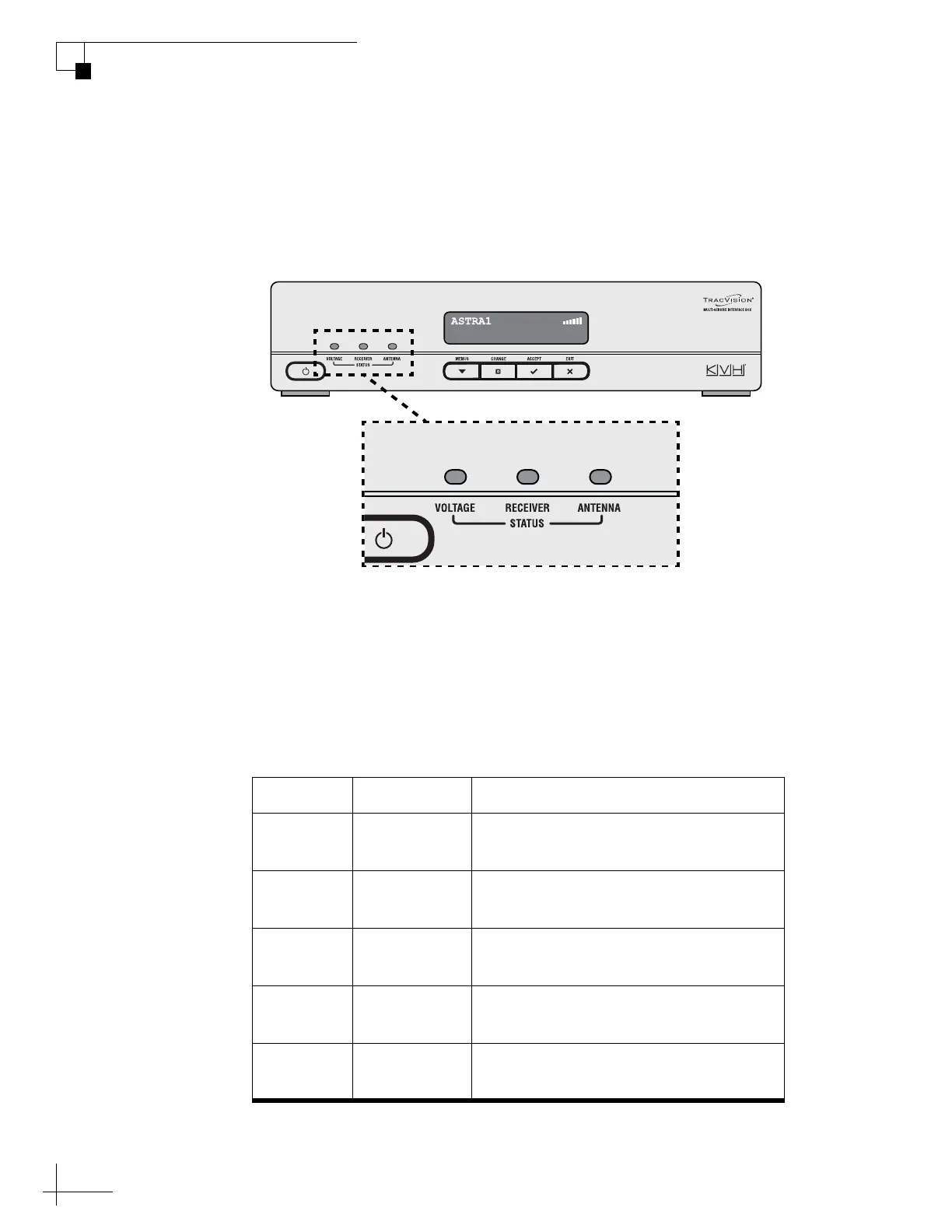
System Status Lights
Three status lights on the front of the receiver indicate the current
status of the system and can help you identify problems.
Figure 5-1 System Status Lights
During normal operation, all three status lights should be lit green.
The following tables explain what the different light conditions
indicate.
VOLTAGE Light
The table below explains what the VOLTAGE light indicates.
Light is... Indicates Description
Off Off Interface box is off (power switch is
off) or no power input
Green OK Good power (10-16 VDC at interface
box)
Green,
flashing
Cable open Open detected in antenna cable (check
the antenna coax connection)
Orange Low power Low power (9-10 VDC) at interface
box
Red,
flashing
Bad power Insufficient power (less than 9 VDC or
more than 16 VDC input)



 To Next Page